Kha Y Tran
 Meccha Chameleon is one of the most popular multiplayer games of 2026. Unlike many hide-and-seek games, it lets players blend into the environment by changing their colors. As a result, every match feels fresh and unpredictable.
If you want to play on a computer, this guide is for you. Here, you will learn how to download Meccha Chameleon on PC, check the system requirements, and install the game step by step.
Download game at: https://meccha-chameleon.com/

What Is Meccha Chameleon?
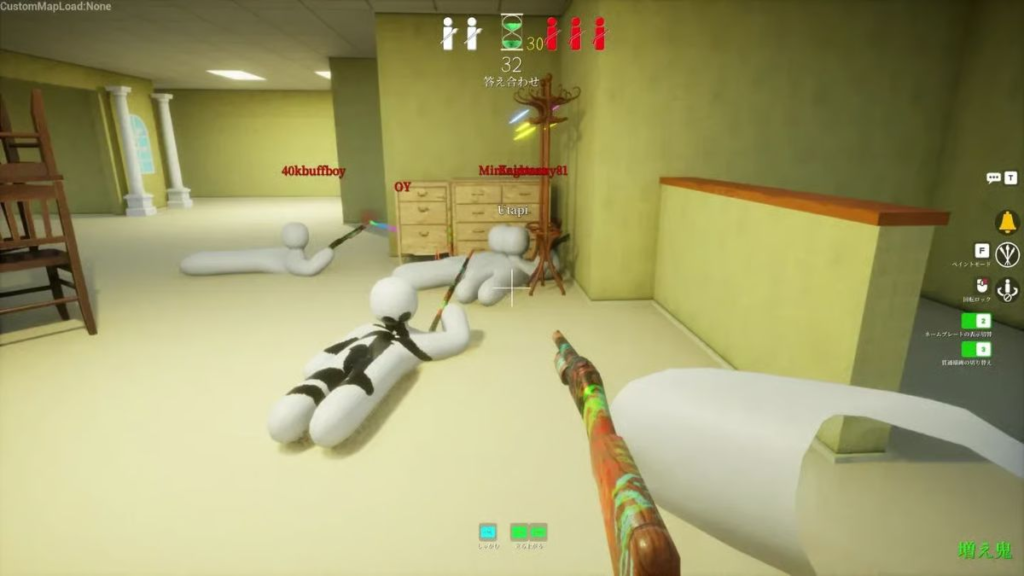
Meccha Chameleon is an online multiplayer hide-and-seek game. In every match, players join either the Hider team or the Seeker team.
Hiders must stay hidden until the timer ends. Meanwhile, Seekers search the map and try to find every hidden player before time runs out.
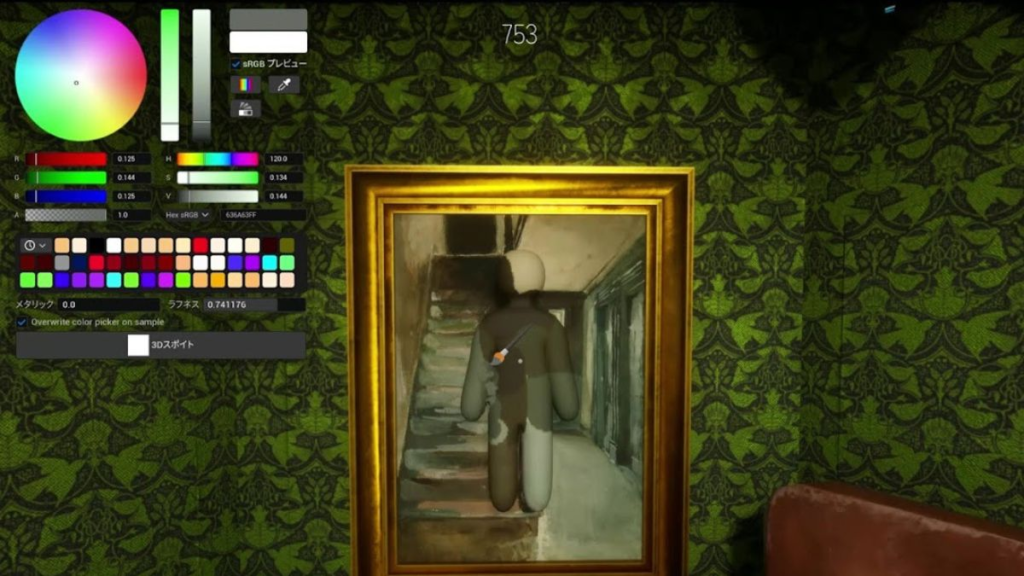
Unlike traditional Prop Hunt games, Meccha Chameleon uses a different hiding system. Players do not transform into objects. Instead, they paint their character to match nearby walls, floors, or decorations.
Because of this, every hiding spot feels unique. Moreover, players can create new camouflage strategies in every match.
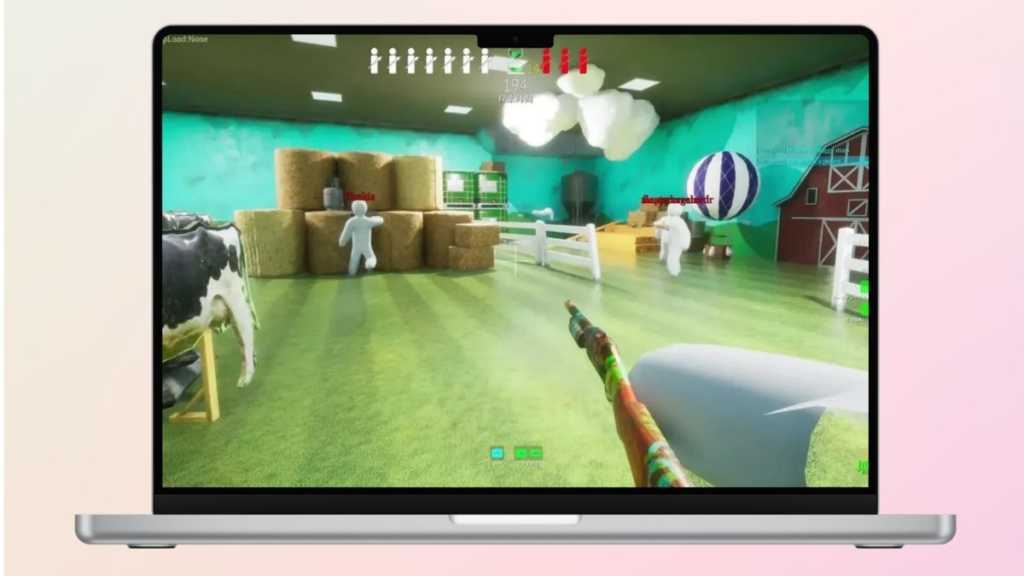
The game also features colorful graphics and simple controls. In addition, it runs well on most modern PCs. Therefore, many players can enjoy smooth gameplay without buying expensive hardware.
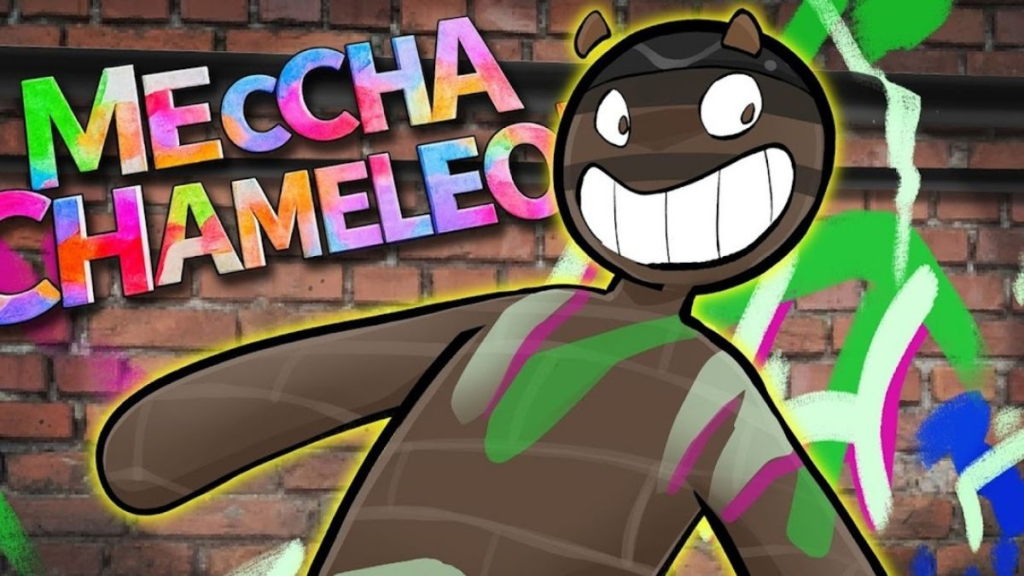
Meccha Chameleon is a multiplayer hide-and-seek game.
Meccha Chameleon PC System Requirements
Before downloading the game, check your PC specifications. This simple step helps you avoid performance issues later.
Minimum Requirements
Your computer should meet these minimum requirements:
- Windows 10 (64-bit)
- Intel Core i5 processor
- 8 GB RAM
- DirectX 11 or DirectX 12 compatible graphics card
- Broadband internet connection
- Enough free storage space
These specifications allow you to play the game. However, you may notice lower FPS during busy matches or while running many programs.
Recommended Requirements
For smoother gameplay, use the following hardware:
- Windows 10 or Windows 11 (64-bit)
- Intel Core i5 (new generation) or AMD Ryzen 5
- 16 GB RAM
- NVIDIA GTX 1660 or similar GPU
- SSD storage
- Internet speed of at least 50 Mbps
With these specifications, loading times become shorter. In addition, the game runs more smoothly and feels more responsive.
How to Download Meccha Chameleon on PC
Downloading Meccha Chameleon is simple. Just follow these steps.

Step 1: Install the Official Game Launcher
First, visit the official website of the game platform.
Next, download the installer.
Then, run the setup file and complete the installation.
After that, open the launcher. It may install updates automatically before you continue.
Step 2: Sign In or Create an Account
Now, sign in with your existing account.
If you do not have one, create a new account using your email address.
This account lets you:
- Buy games
- Manage your game library
- Download updates
- Save your purchases
- Access your games anytime
Fortunately, creating an account only takes a few minutes.
Step 3: Search for Meccha Chameleon
After logging in, use the search bar.
Type MECCHA CHAMELEON and press Enter.
Then, select the official game from the search results.
Before buying, make sure you choose the correct version.
Step 4: Purchase the Game
Meccha Chameleon is a paid game.
Therefore, you must purchase it before downloading.
Simply add it to your cart. Next, choose a payment method. Finally, complete your purchase.
Once your payment is confirmed, the game will appear in your library.
Step 5: Download and Install the Game
Open your game library.
Select Meccha Chameleon.
Then, click Install.
The launcher will download all required files.
The download time depends on your internet speed.
When the installation finishes, the Install button will change to Play.
Step 6: Start Playing
Click Play to launch the game.
The first launch may take a little longer. This is normal because the game creates its configuration files.
After that, you are ready to play.
Tips for Better Performance
You can improve your gaming experience with a few simple tips.
- Download the game only from official sources.
- Update Windows regularly.
- Install the latest graphics driver.
- Close unnecessary background programs.
- Keep enough free storage space.
- Use a stable internet connection.
- Install the game on an SSD if possible.
These changes can improve loading speed. They can also help the game run more smoothly.
Why Is Meccha Chameleon So Popular?
Many players enjoy Meccha Chameleon because it feels different.
The game rewards smart thinking instead of fast reactions.
It also offers:
- Creative camouflage gameplay
- Fun multiplayer matches
- Easy controls
- Bright and colorful graphics
- Low hardware requirements
- High replay value
Moreover, every match is unique. Players always discover new hiding spots and different strategies.
Because of this, the game stays fun even after many hours.
Final Thoughts
Now you know how to download Meccha Chameleon on PC.
The process is quick and easy. First, check your system requirements. Next, install the official launcher. Then, buy the game and install it. Finally, click Play and enjoy.
Always download Meccha Chameleon from an official platform. This keeps your account safe and ensures you receive every update.
If you enjoy multiplayer hide-and-seek games, Meccha Chameleon is an excellent choice. Gather your friends, master your camouflage skills, and enjoy one of the most entertaining games of 2026.
Read more:
How to Play Meccha Chameleon: A Simple Guide
Teeter Tap Review: The Ultimate Test of Precision
#SteamGames #MecchaChameleon #PCgames