Kha Y Tran
 If you enjoy survival games on Roblox, Survival Zombie Arena is a great game to try. It throws you into fast-paced battles against endless waves of zombies. As a result, every wave feels more exciting than the last.
You’ll need good aim, smart spending, and teamwork to survive. In addition, the game offers many weapons, upgrades, special zombies, and powerful bosses.
In this guide, you’ll learn how to download Survival Zombie Arena, understand the gameplay, and discover beginner tips that will help you survive longer.
Download game at: https://www.roblox.com/vi/games/114204398207377/Survive-Zombie-Arena
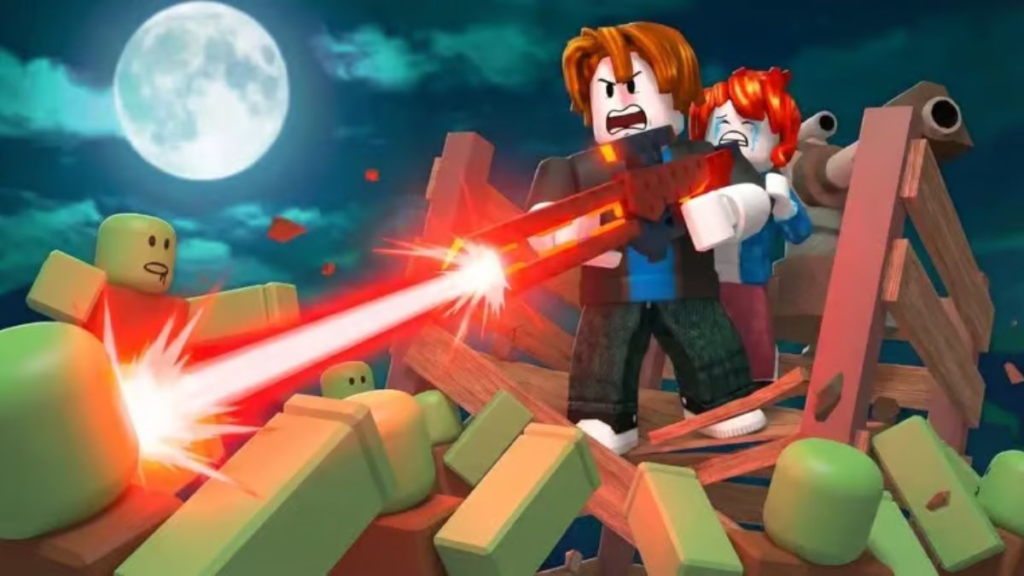
What Is Survival Zombie Arena?
Survival Zombie Arena is a zombie survival experience on Roblox.
In every match, players fight inside arenas against endless zombie waves. After clearing one wave, they move on to the next challenge.
You begin with basic equipment. Then, you earn money to unlock stronger guns and upgrades.
Moreover, the game includes several zombie types. Some move very fast, while others have high health or deal heavy damage. Because of this, players must adjust their strategy throughout every match.
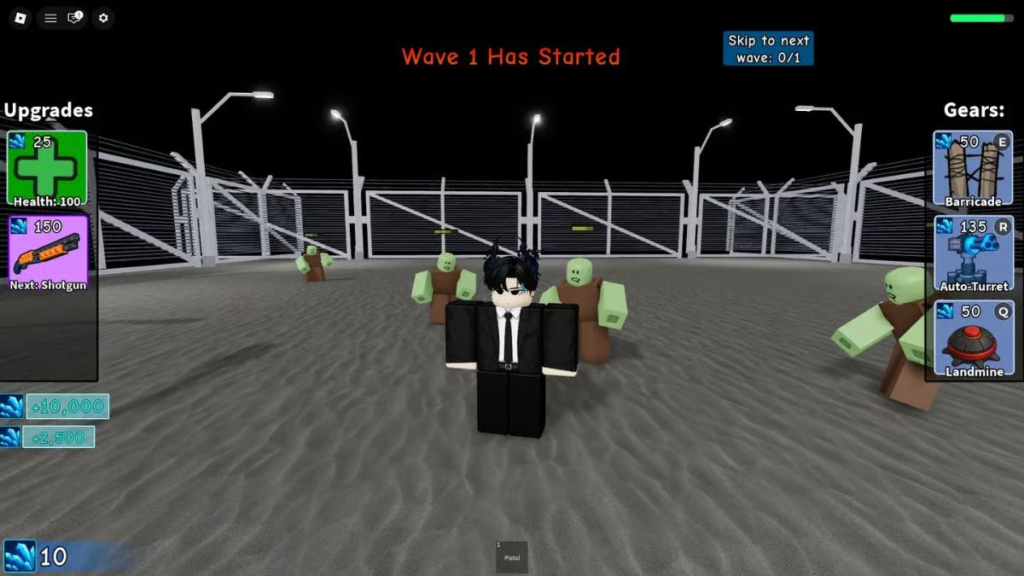
Survival Zombie Arena is a game on the Roblox platform.
Why Is Survival Zombie Arena So Popular?
The game has several features that keep players coming back.
For example, it offers:
- Easy-to-learn gameplay
- Fast-paced action
- Increasing difficulty
- A large collection of weapons
- Solo and multiplayer modes
- Frequent updates
- Smooth performance on most devices
Furthermore, zombie spawns change every match. As a result, no two battles feel exactly the same.
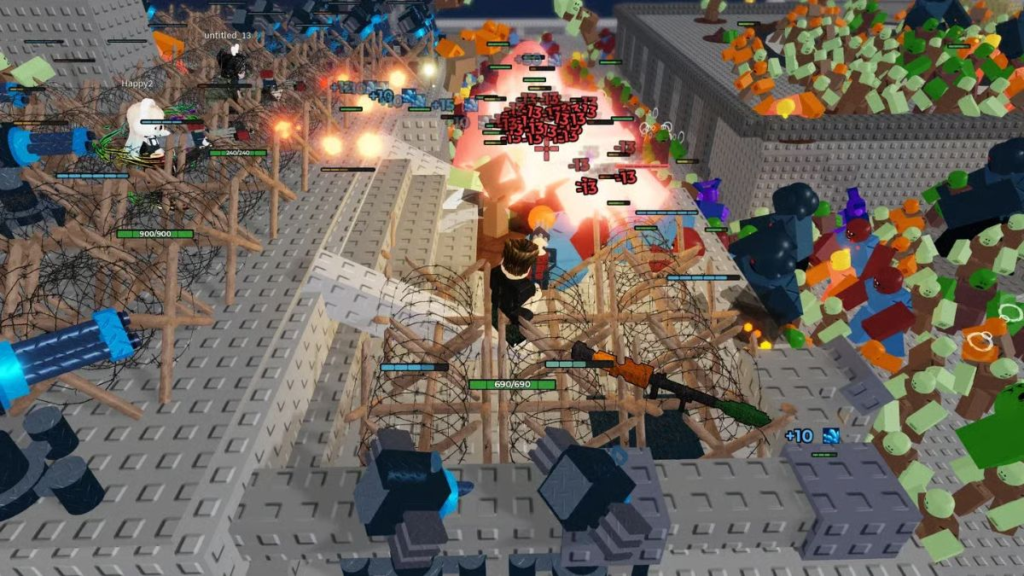
The game has fairly simple but extremely engaging gameplay.
How to Download Survival Zombie Arena on Mobile
If you’re using an Android phone or an iPhone, you only need to install Roblox before joining Survival Zombie Arena.
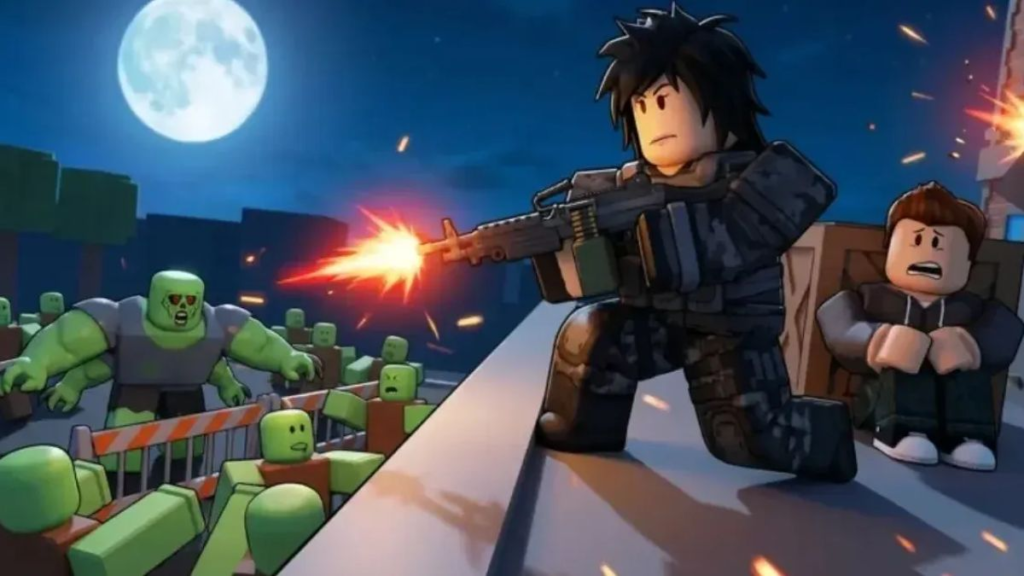
Step 1: Install Roblox
First, open Google Play Store or the App Store.
Next, search for Roblox.
Then, tap Install and wait for the download to finish.
Step 2: Sign In
After that, launch Roblox.
Log into your account.
If necessary, create a free Roblox account before continuing.
Step 3: Find the Game
Now, use the search bar.
Type Survival Zombie Arena.
Finally, select the correct experience and tap Play.
If the game doesn’t appear, simply update Roblox and search again.
How to Download Survival Zombie Arena on PC
Playing on a computer generally provides a better experience because a mouse and keyboard allow for more precise aiming.
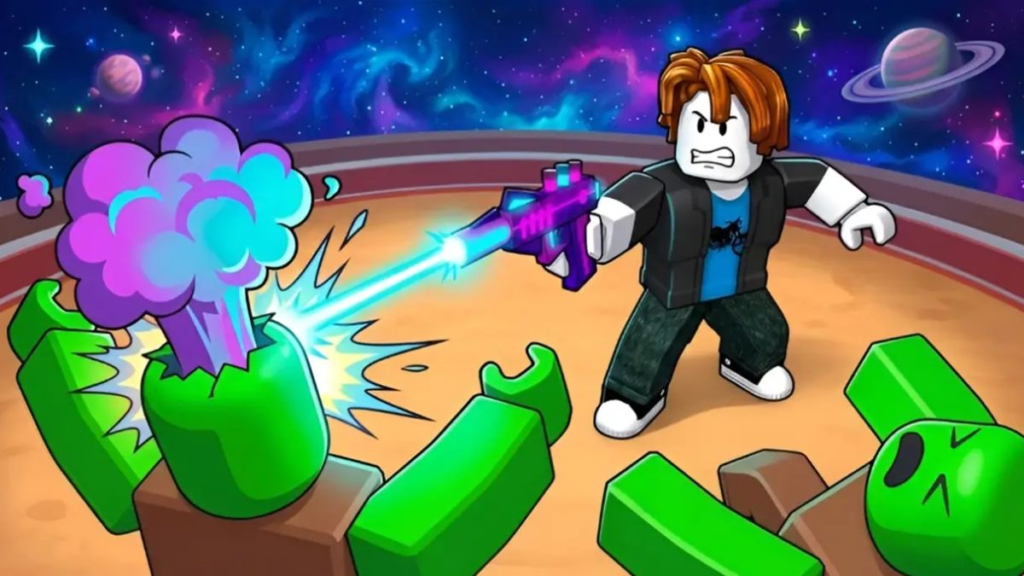
Playing on PC provides more accurate aiming.
First, visit the Roblox website.
Next, sign in to your account.
Then, search for Survival Zombie Arena.
Afterward, click Play.
If Roblox Player isn’t installed, the website will automatically ask you to install it.
Once the installation finishes, the game will launch automatically.
Beginner’s Guide
Complete Every Wave
Each match contains multiple waves.
At first, you only have a basic pistol. However, every completed wave rewards you with cash.
You can then use that money to buy stronger weapons.
As you continue playing:
- More zombies appear.
- Enemy health increases.
- Bosses become stronger.
Therefore, preparing before every new wave is very important.
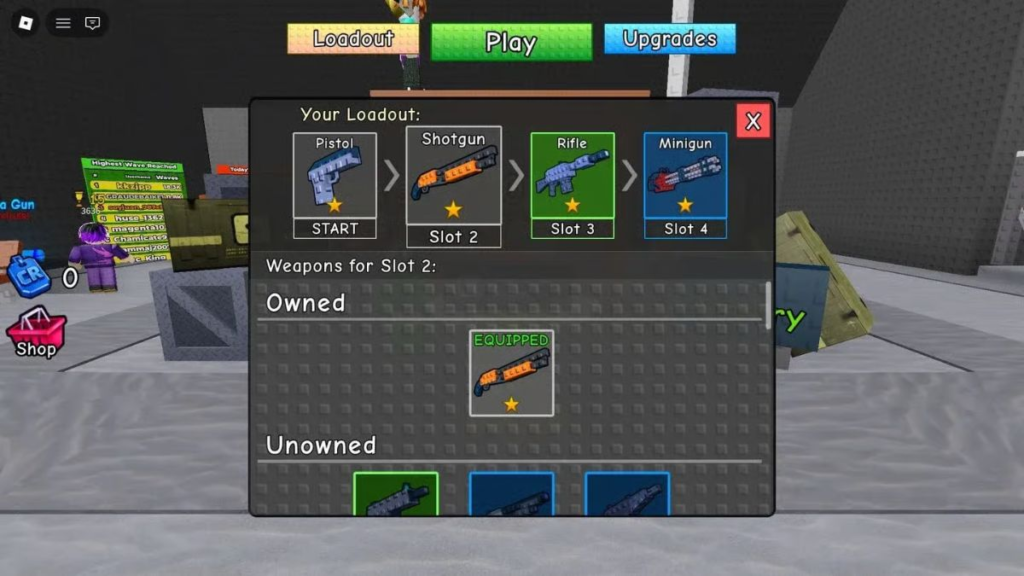
Choose the right weapon for each match.
Learn the Weapons
Choosing the right weapon is important.
For example:
Pistol
- Available from the start.
- Reliable for early rounds.
Shotgun
- High close-range damage.
- Excellent when surrounded.
Assault Rifle
- Balanced damage.
- Easy for beginners.
SMG
- Very fast fire rate.
- Clears groups quickly.
Machine Gun
- Huge magazine.
- Great against bosses.
Instead of buying the most expensive gun immediately, choose one that matches your current wave.ost expensive weapon immediately, choose the firearm that best matches your current stage of the game.
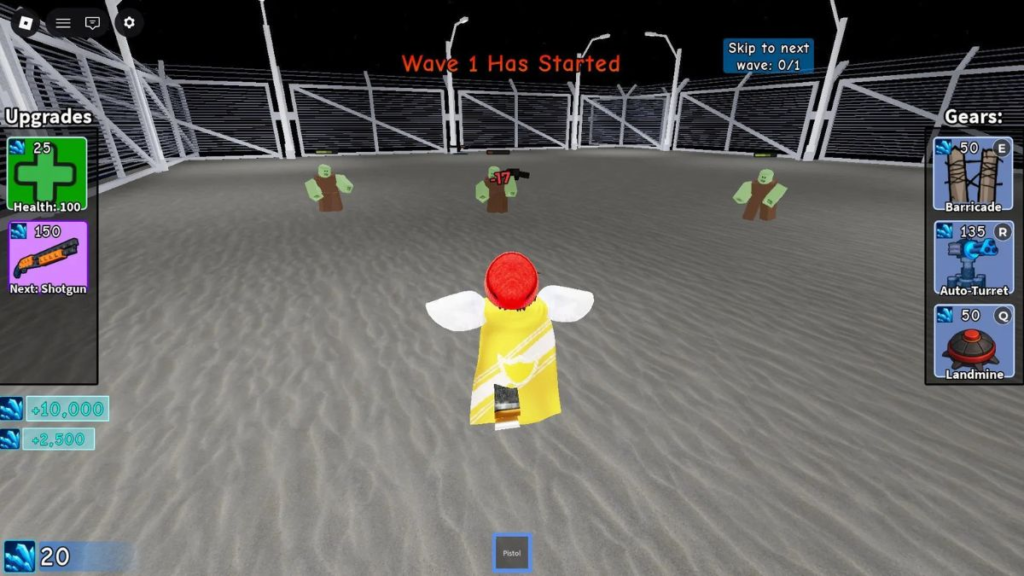
Clearly understand the objectives you need to achieve in each match.
How to Earn Money
Money is one of the game’s most valuable resources.
Fortunately, there are several ways to earn it.
You can:
- Defeat zombies.
- Complete waves.
- Help teammates.
- Eliminate bosses.
After earning enough cash, invest it carefully.
For example, upgrade your damage, improve your fire rate, or purchase stronger weapons.
As a result, later waves become much easier.
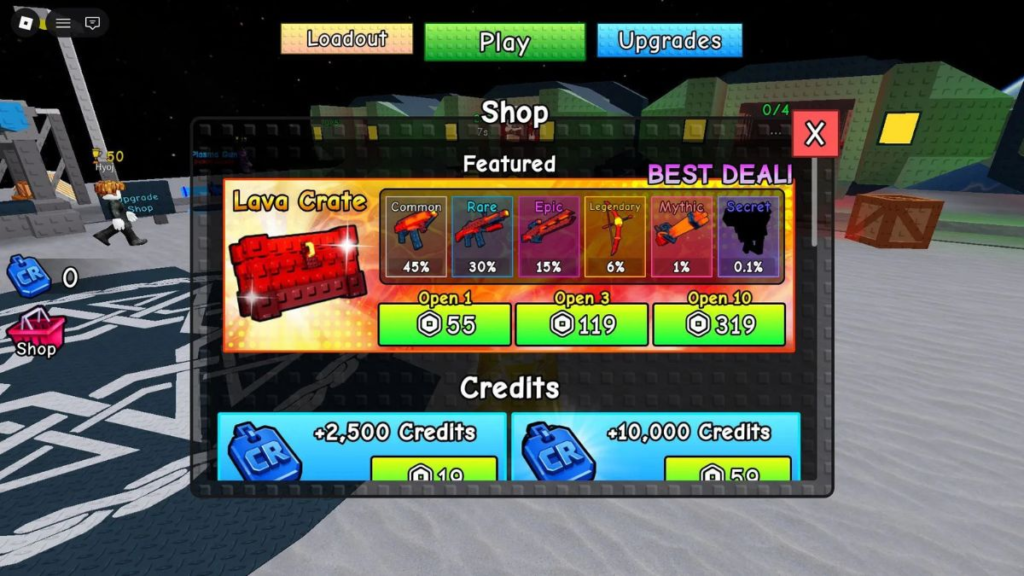
Learn how to earn money to buy good equipment.
Survival Tips
Keep Moving
Above all, never stand still.
Otherwise, zombies can surround you within seconds.
Instead, keep moving while shooting.
Target Dangerous Zombies
Not every zombie is equally dangerous.
For example, some move much faster than others.
Meanwhile, special zombies often deal much more damage.
Therefore, eliminate them before focusing on weaker enemies.
Save Your Cash
Many beginners spend every dollar immediately.
However, saving money is often the better strategy.
Later, you’ll need it for stronger weapons and boss fights.
Use the Map
Every arena contains useful obstacles.
For example, you can circle around walls to create space.
As a result, you’ll avoid getting trapped.
Work Together
The game supports multiplayer.
When teammates cooperate, everyone survives longer.
For instance, players can defend separate entrances, revive teammates, and defeat bosses more quickly.
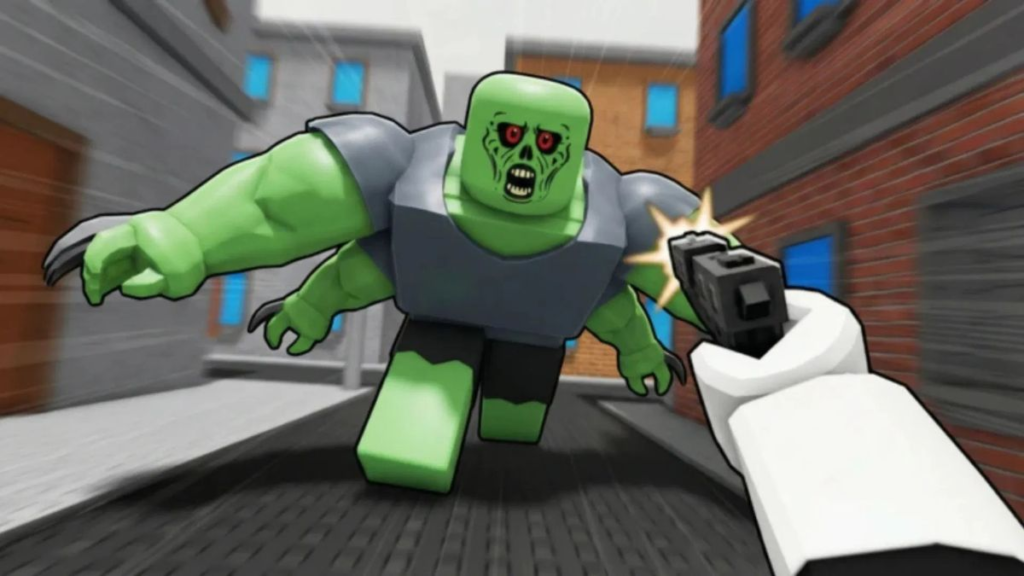
Effective tips for playing Survival Zombie Arena
Common Beginner Mistakes
Many new players make the same mistakes.
For example:
- Standing still
- Buying expensive guns too early
- Spending all available money
- Ignoring nearby zombies
- Forgetting special zombies
- Leaving teammates behind
Fortunately, avoiding these mistakes will help you survive much longer.
Final Thoughts
Survival Zombie Arena is one of the most exciting survival experiences available on Roblox. Thanks to its wave-based gameplay, impressive weapon variety, challenging boss encounters, and diverse zombie types, it offers an entertaining experience for both newcomers and experienced players.
Play more games at: https://tenkly.com/games/
#PCgames #SurvivalZombie #Roblox