
 Kha Y Tran
 If you love dinosaurs and survival games, The Isle is worth trying. Instead of focusing only on combat, the game puts you in a huge open world. Therefore, every decision can affect your survival.
You must find food and water while avoiding stronger predators. At the same time, you need to grow your dinosaur from a young juvenile into an adult. You can also meet other players and work together when needed.
However, The Isle can be difficult for beginners. The game does not guide you through every step. Because of that, you need to learn many mechanics by exploring and making careful choices.
In this guide, we will explain how to download and play The Isle. We will also cover the PC requirements, beginner-friendly dinosaurs, and useful survival tips.
Down load The Isle at: https://store.steampowered.com/app/376210/The_Isle/
What Is The Isle?
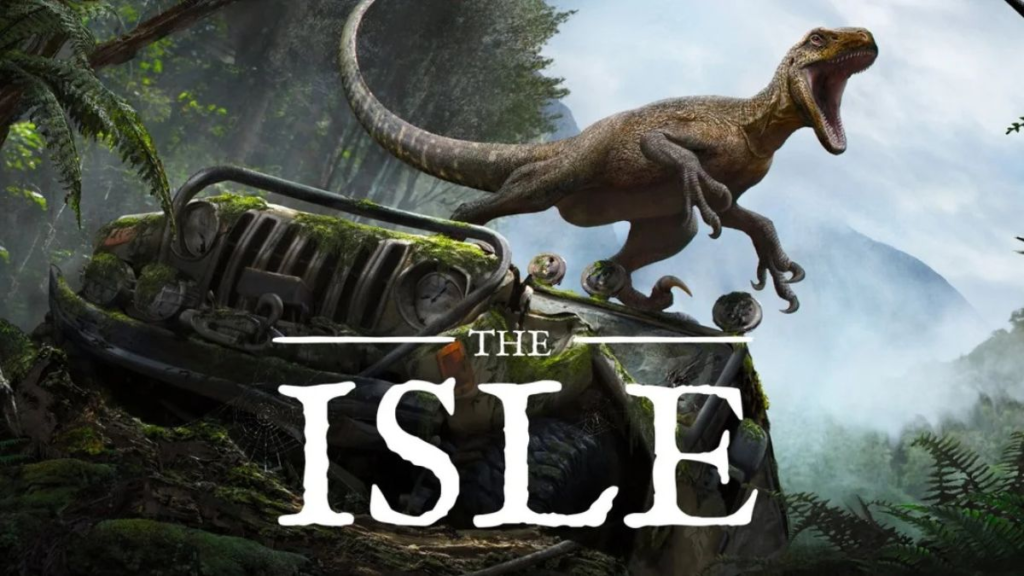
Before learning how to download The Isle, it is important to understand what makes the game different. The Isle is a dinosaur survival game developed by Afterthought LLC. It combines survival, simulation, adventure, and PvP gameplay in a large open world.
Unlike many action games, The Isle does not simply ask you to defeat enemies. Instead, your main goal is to stay alive. You start as a young dinosaur. Then, you search for food and water while avoiding dangerous creatures. As you survive, your dinosaur gradually grows stronger and larger.
Therefore, patience is one of the most important skills in the game.
The Evrima branch is also a major part of The Isle’s ongoing development. It uses Unreal Engine 5 and offers improved visuals and gameplay systems. However, Evrima is still in Early Access. As a result, some features can change over time.
The Isle PC System Requirements
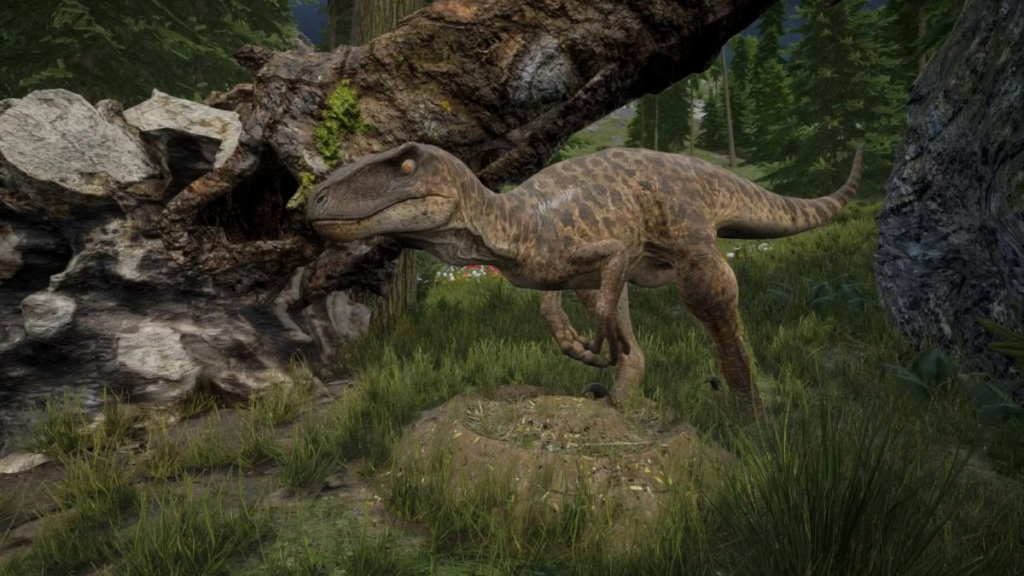
Before you learn how to download The Isle, check whether your PC can run it. This step is important because the game requires a dedicated graphics card.
Here are the listed system requirements:
| Component | Minimum | Recommended |
|---|---|---|
| OS | Windows 7 64-bit or later | Windows 10 64-bit or later |
| CPU | Intel/AMD 4-core, 3.0 GHz+ | Intel/AMD 4-core, 3.4 GHz+ |
| RAM | 8 GB | 16 GB |
| GPU | GTX 960 or Radeon R9 280X | GTX 1070 |
| DirectX | Version 11 | Version 11 |
| Storage | 25 GB | 25 GB |
| Internet | Broadband connection | Broadband connection |
Most importantly, The Isle requires a dedicated GPU. Therefore, PCs that only use integrated graphics may not meet the minimum requirements.
If possible, you should also install the game on an SSD. This can help reduce loading times and make the overall experience smoother.
How to Download The Isle on PC
The safest way to download The Isle is through its official PC distribution platform. Avoid unofficial installers because they may contain outdated files or unwanted software.
Step 1: Install Steam
First, download and install Steam on your Windows PC. Next, sign in to your Steam account.
If you do not have an account yet, you can create one. After that, use the search bar and enter The Isle.
Make sure you select the correct game before making a purchase.
Step 2: Buy and Install The Isle
Once you open the game’s store page, purchase The Isle through Steam. After the purchase is complete, the game will appear in your library.
Next, open Library and find The Isle. Select Install, then choose the drive and folder where you want to install the game.
Make sure you have enough free storage. The listed requirement is around 25 GB. However, keeping some additional space available is a good idea for future updates.
After that, wait for Steam to finish downloading and installing the game.
Step 3: Launch The Isle and Select Evrima
Once the installation is complete, select Play to launch the game.
However, if you want to play Evrima, you may need to check which branch is currently selected. Steam can use the Legacy branch by default.
Therefore, open the game’s Properties and check the Betas section. From there, select the Evrima branch if it is available.
Steam will then download any additional files required for the selected version.
How to Play The Isle for Beginners
Once you finish downloading The Isle, the real challenge begins.
Unlike many survival games, The Isle does not give you a long list of missions. Instead, you need to explore, observe and learn from your surroundings.
Choose the Right Game Mode
The available experience can vary depending on the game branch and server. However, Survival is generally the best place for beginners to learn the core mechanics.
In Survival, you start with a young dinosaur. Your first goals are simple. Find food, drink water and stay alive.
There is no traditional RPG-style leveling system. Instead, your dinosaur grows over time.
Because of this, you should avoid unnecessary fights during the early stages. Survival should always come before aggression.
Choose an Easy Dinosaur
One common beginner mistake is choosing a large dinosaur simply because it looks powerful.
However, larger dinosaurs can require more experience. You need to understand movement, stamina, combat and map awareness.
For beginners, Pachycephalosaurus can be a useful option. It is relatively mobile and can defend itself with headbutt attacks.
Meanwhile, Dryosaurus can also help new players learn how the environment works.
Most importantly, do not focus only on strength. Instead, choose a dinosaur that helps you understand the game’s mechanics without punishing every early mistake.
Always Watch Your Food and Water
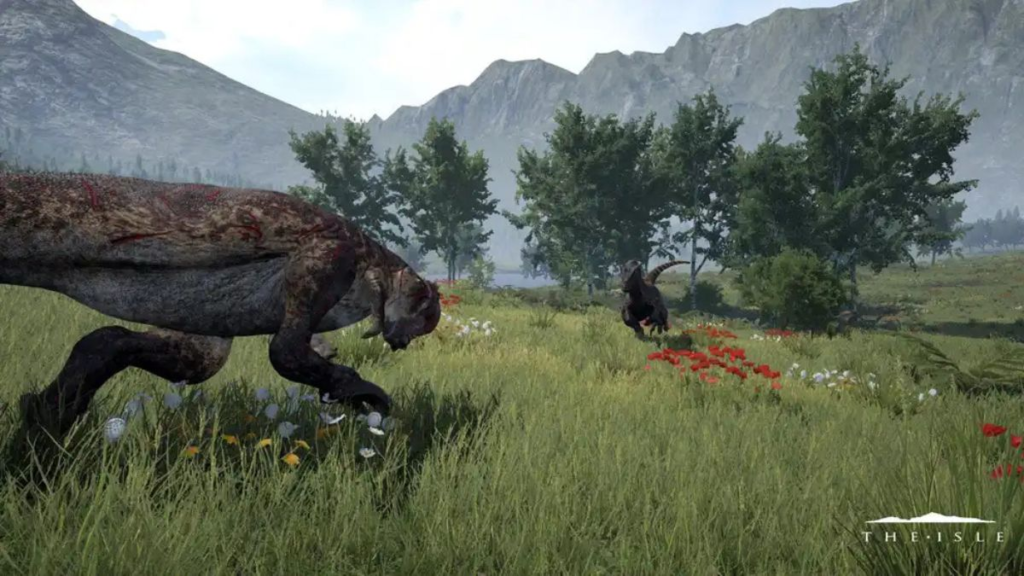
Food is one of the most important survival mechanics in The Isle. Different dinosaurs have different diets. Carnivores need suitable meat sources, while herbivores must search for appropriate plants.
Therefore, do not wait until your hunger is almost empty before looking for food. At that point, you may need to travel a long distance. That journey can put you in danger. Water is just as important. You need to find suitable water sources and keep track of their locations.
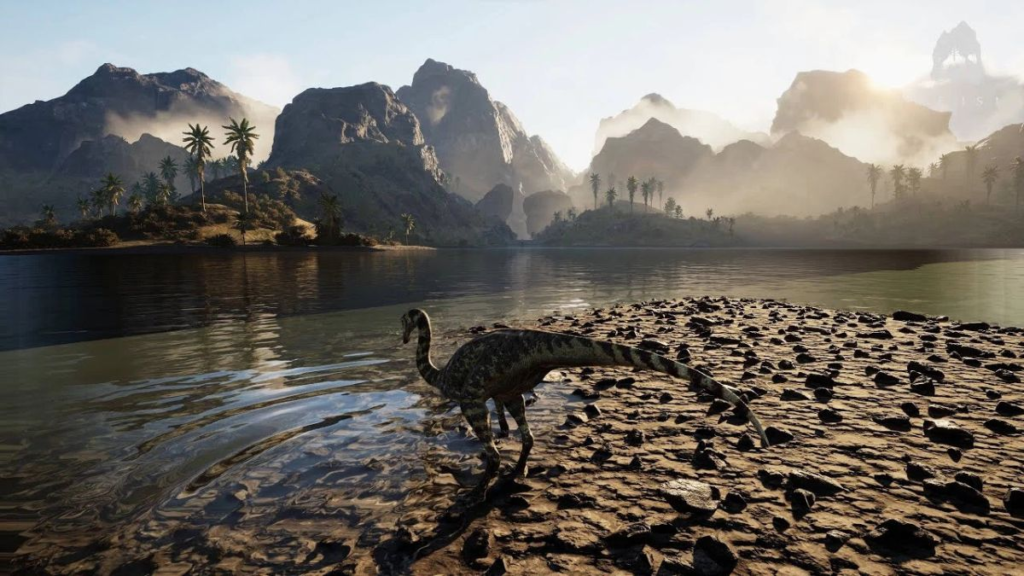
However, do not blindly rush toward a lake when your thirst is low. Water sources can attract many players and dangerous predators.
Instead, approach carefully and check the area before drinking.
Understand the Growth System
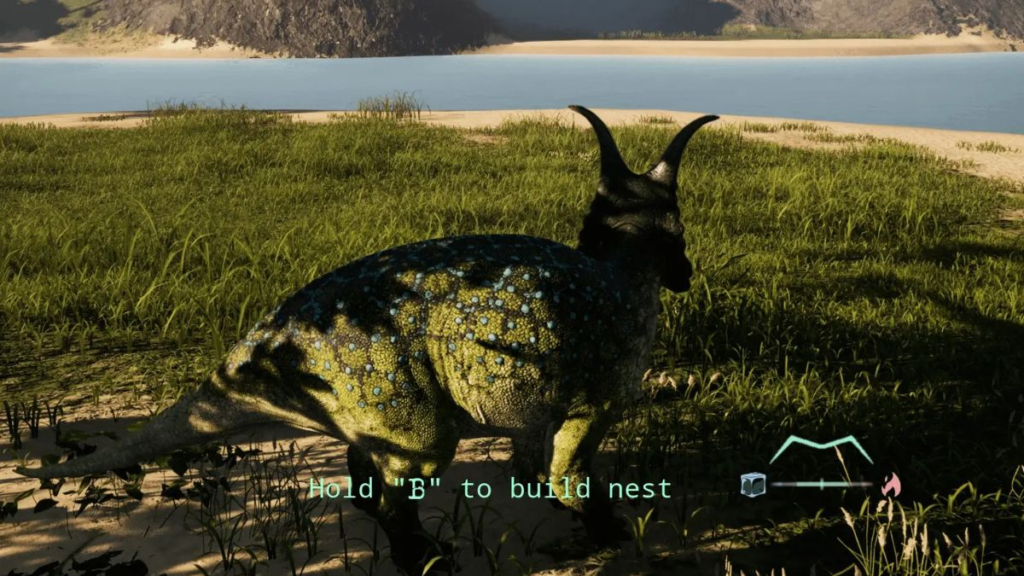
Growth is one of the most important mechanics in The Isle. In Survival, your dinosaur begins as a juvenile. Then, it grows gradually as you meet the necessary survival conditions.
However, killing other dinosaurs is not the only way to progress. In fact, unnecessary combat can be extremely risky. A bad fight can cause injuries, bleeding or other dangerous conditions. As a result, you could lose a large amount of progress.
Therefore, your first priority should always be survival. When your dinosaur is young, stay cautious. Once you become an adult and understand your dinosaur’s strengths, you can take bigger risks.
Essential The Isle Survival Tips
Avoid Wide Open Areas
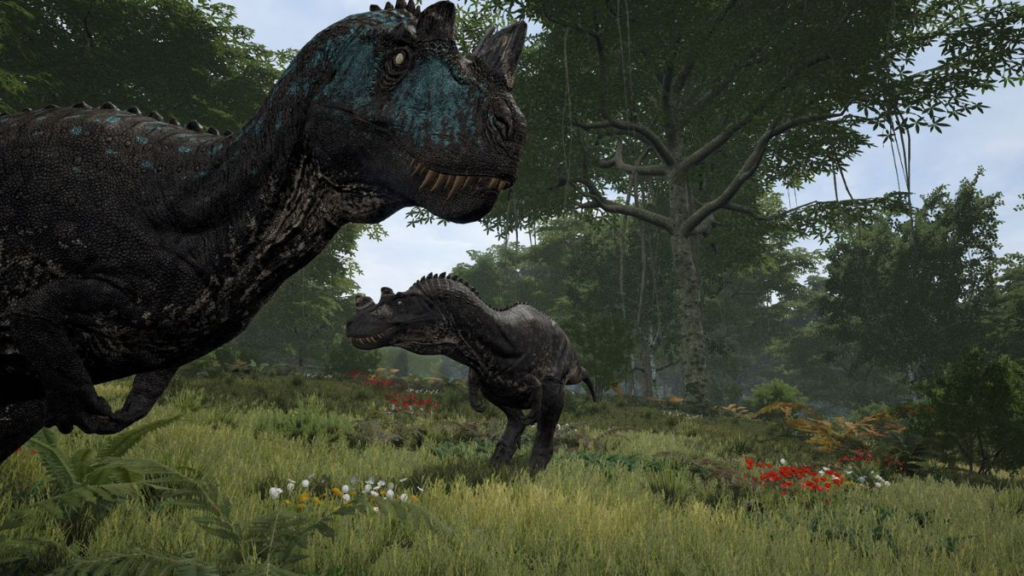
Open areas can make you an easy target. Therefore, use trees, hills and natural terrain whenever possible. These areas can provide cover and help you observe your surroundings.
Before entering a large open space, stop and look around. A few seconds of observation can sometimes save your entire run.
Manage Your Stamina
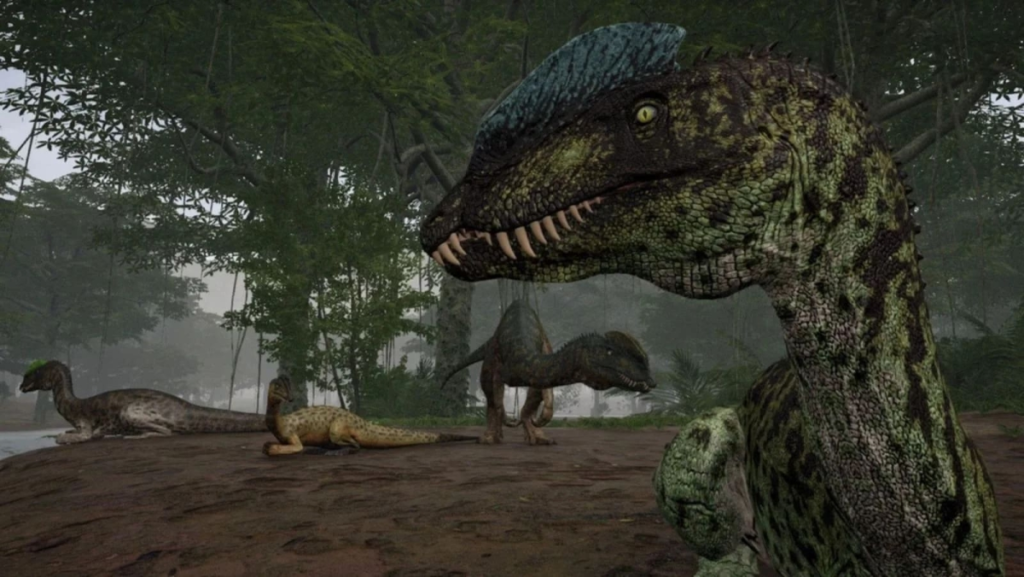
Do not sprint everywhere. This is one of the most dangerous habits for new players. If you spend all your stamina while traveling, you may have nothing left when a predator appears.
Instead, switch between walking, running and resting. Most importantly, try to keep some stamina available when traveling through dangerous areas. That way, you still have an escape option if something attacks.
Use Your Dinosaur’s Senses
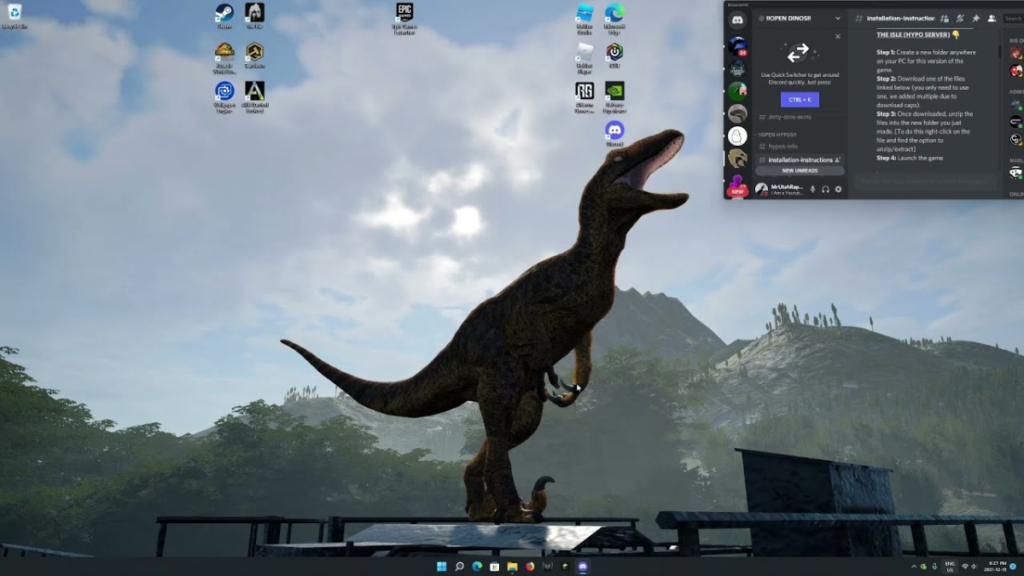
The Isle includes sensory mechanics that can help you detect important clues. For example, the default Q key can be used to track the scent of dead entities in relevant situations.
This ability is useful for more than finding food. It can also provide clues about nearby activity and areas where combat may have recently happened. Therefore, learn to use your dinosaur’s senses instead of relying only on your eyes.
Avoid Unnecessary Fights
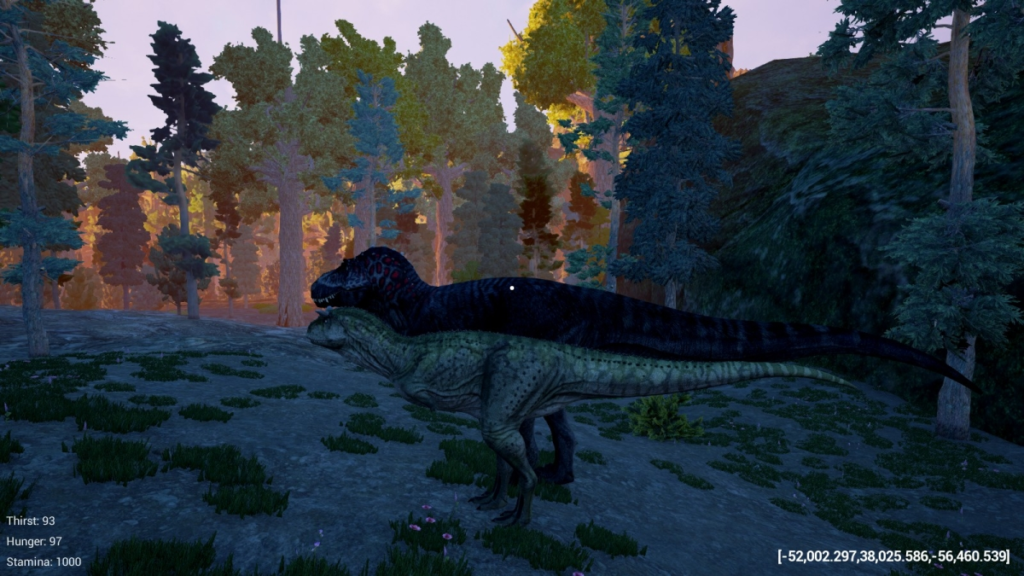
Not every dinosaur you see needs to become an enemy. In The Isle, winning a fight can still be a bad result if you take serious damage. Injuries can make you vulnerable to other predators and may slow down your progress.
Before attacking, ask yourself three questions:
- Do I have the advantage?
- Do I have a safe escape route?
- Can I recover safely if I get injured?
If the answer is unclear, it is usually better to walk away.
How to Navigate When You Get Lost
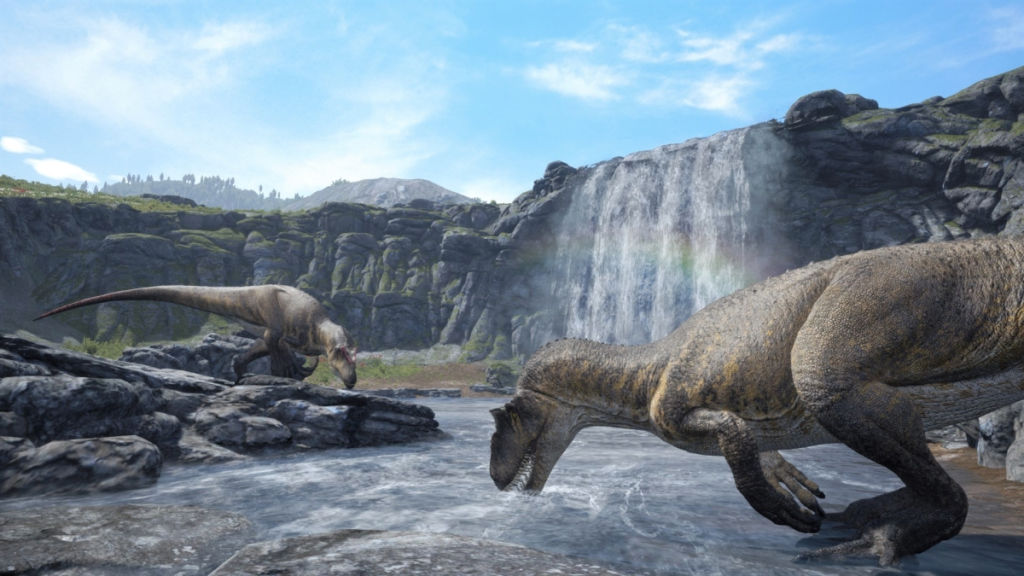
The Isle’s large maps can easily confuse new players. If you move randomly, you may quickly lose track of water sources and safe areas. Therefore, start memorizing important landmarks. Rivers, lakes, hills and familiar locations can all help you understand where you are.
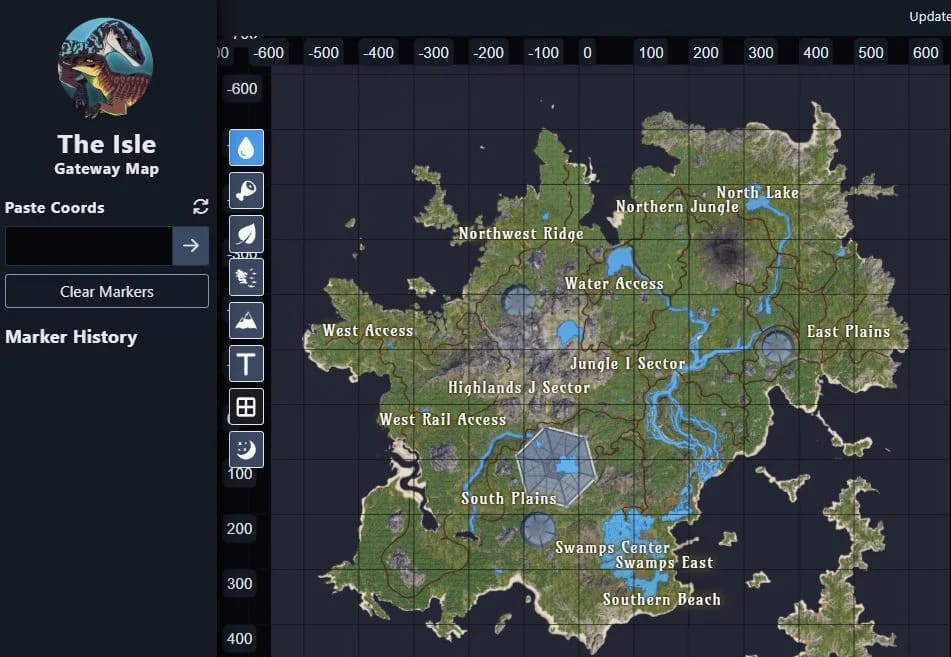
The Gateway map in Evrima is particularly large. Some players also use community map tools to identify their location through in-game coordinates. If you play with friends, sharing coordinates can make meeting up much easier.
However, try not to depend completely on external maps. Over time, learning the terrain yourself will make navigation faster and more natural.
Conclusion
Learning how to download and play The Isle is fairly simple. However, surviving in the game is a completely different challenge.
First, check your PC requirements and install the game through the official platform. Next, choose a beginner-friendly dinosaur and start with Survival. Then, focus on food, water and Growth. At the same time, manage your stamina and avoid unnecessary combat.
Most importantly, be patient. The Isle can make you spend hours growing a dinosaur, only to lose it in a few seconds. Yet, that danger is also what makes the game so exciting.
Once you learn how to survive, every successful hunt, escape and growth milestone feels much more rewarding. So, take your time, learn the world and prepare for a brutal prehistoric adventure.
Play more online games at: https://tenkly.com/games/
#TheIsle #GamePC #GameMobile


1 thought on “The Isle Guide: How to Survive Your First Run”