
 Kha Y Tran
 If you want a fresh FPS game, Wardogs is worth a look. This PC shooter brings large battles with up to 100 players. It also features military vehicles, team fights, building, and destruction.
Wardogs takes a different path from most Battle Royale games. You do not simply fight until one player remains. Instead, teams fight for control of key areas. You can also earn money, buy gear, and choose your own combat style.
So, how does Wardogs work? What PC do you need? And how can you download the game? Here is a simple guide to help you get started.
Play the game at: https://store.steampowered.com/app/1867240/WARDOGS/
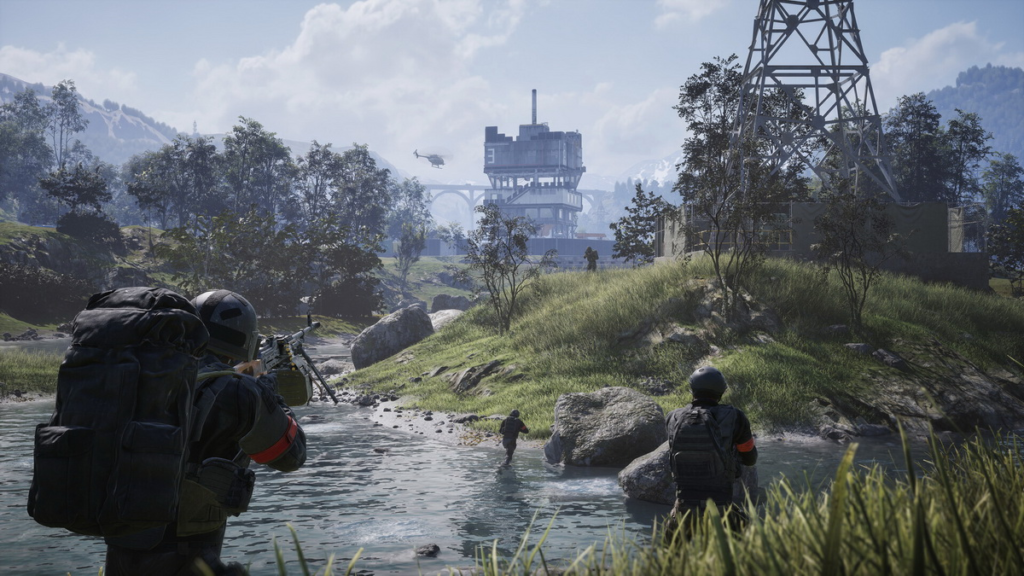
What Is Wardogs?
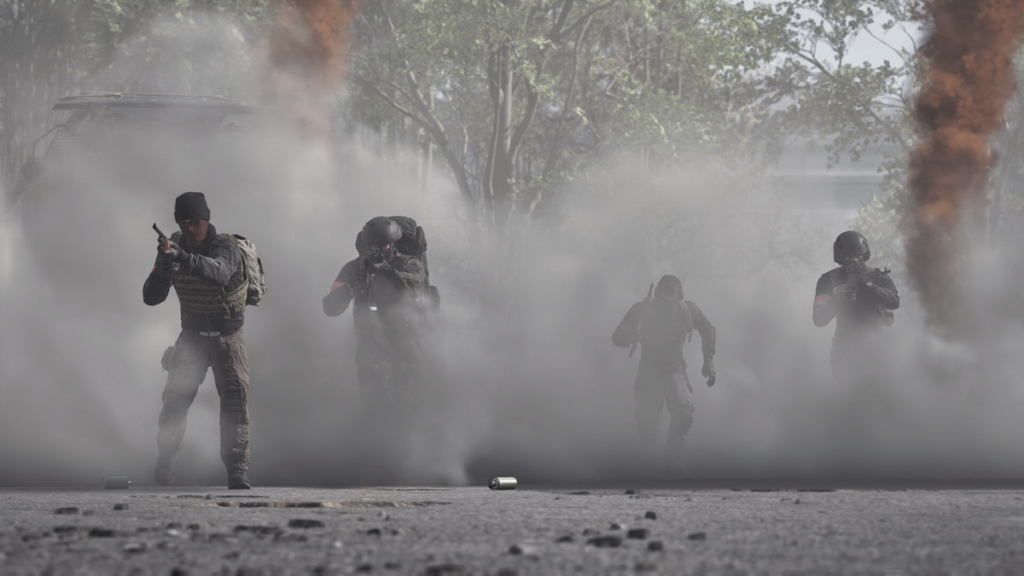
Wardogs is a first-person shooter, or FPS, based on large-scale warfare. The game has a style similar to Battlefield. However, it also adds several unique features. The game supports up to 100 players in one match. This creates huge battles with many things happening at once.
Players can fight on foot or use military vehicles. They can also build structures and destroy parts of the map. Because of this, the battlefield can change during a match. One of the main modes uses a three-team system. Each team fights to control special areas called Control Zones.
These zones can cover areas up to 2×2 km. Their locations can also change across the map. Teams earn points by controlling these zones. The team with more players inside the zone gains points faster. The first team to reach 100 points wins.
Therefore, kills are not the only way to win. Good positioning and teamwork are also very important.
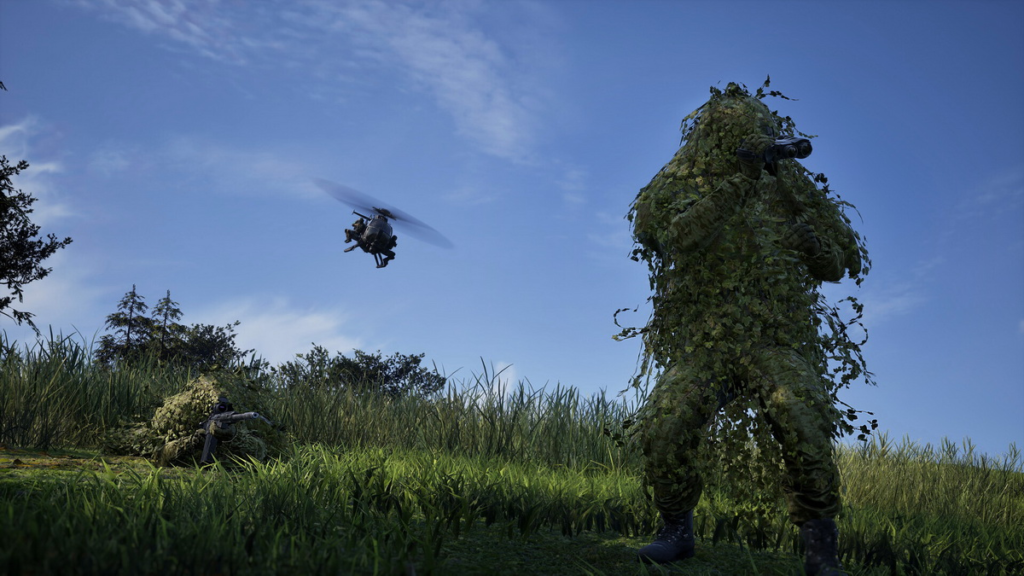
Wardogs PC System Requirements
Before you download Wardogs, check your PC. The game needs a decent gaming system.
The developer lists the following requirements:
| Component | Minimum | Recommended |
|---|---|---|
| OS | Windows 10 64-bit | Windows 11 64-bit |
| CPU | Intel Core i5-8600 / AMD Ryzen 5 3500 | Intel Core i7-12700K / AMD Ryzen 7 5700X |
| RAM | 16 GB | 16 GB |
| GPU | Nvidia GTX 1660 / Radeon RX 590 | Nvidia RTX 3070 / Radeon RX 6700 XT |
| Storage | 50 GB | 50 GB |
| Network | Broadband Internet | Broadband Internet |
| Target | 1080p Low at 60 FPS, upscaled | 1440p Medium at 70+ FPS or 4K Medium at 60+ FPS, upscaled |
Both settings require 16 GB of RAM. However, the recommended setup has a much stronger CPU and GPU.
The game also needs 50 GB of free storage. A stable broadband connection is important too. Large battles can become difficult to play with an unstable connection.
How to Play Wardogs
Wardogs has an interesting money system. Every player starts with $10,000. You can use this money to buy equipment. The options include weapons, armor, support gear, and vehicles. You also get money when you respawn. Therefore, each life gives you another chance to prepare for battle.
However, spending all your money is not always the best idea. You may want to save some cash for a bigger fight later. The game also rewards teamwork. You can earn money by helping your teammates.
For example, healing an ally can give you rewards. Transporting teammates can also earn money. Defending objectives is another useful way to contribute.
As a result, support players can still have a big impact. You do not need to get the most kills to help your team win.
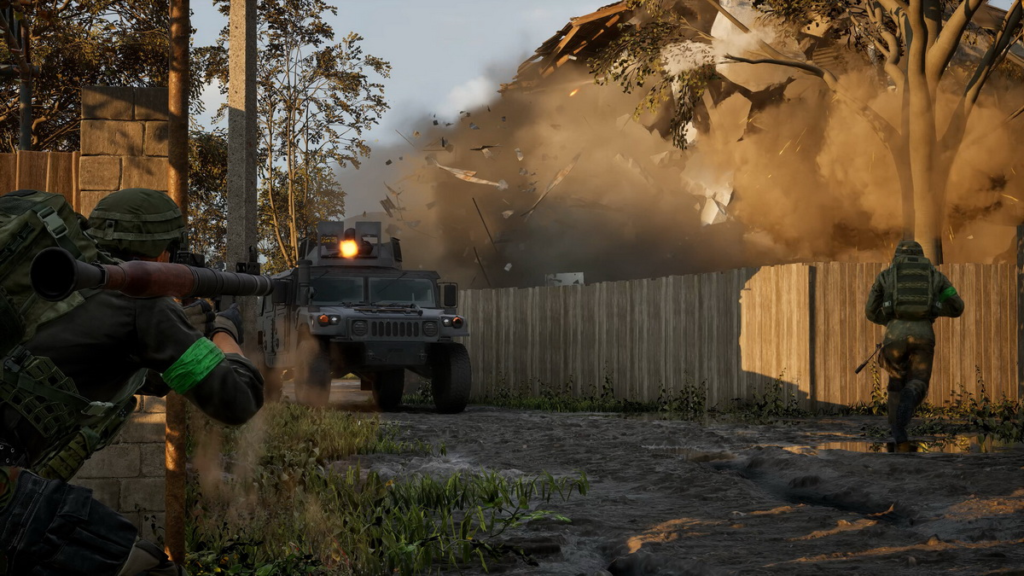
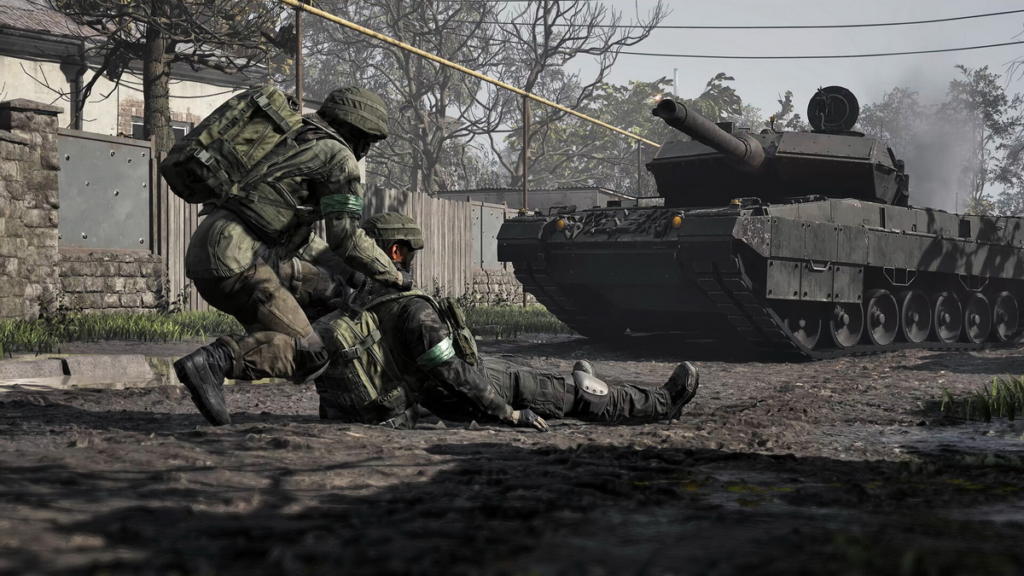
Teamwork Can Change the Battle
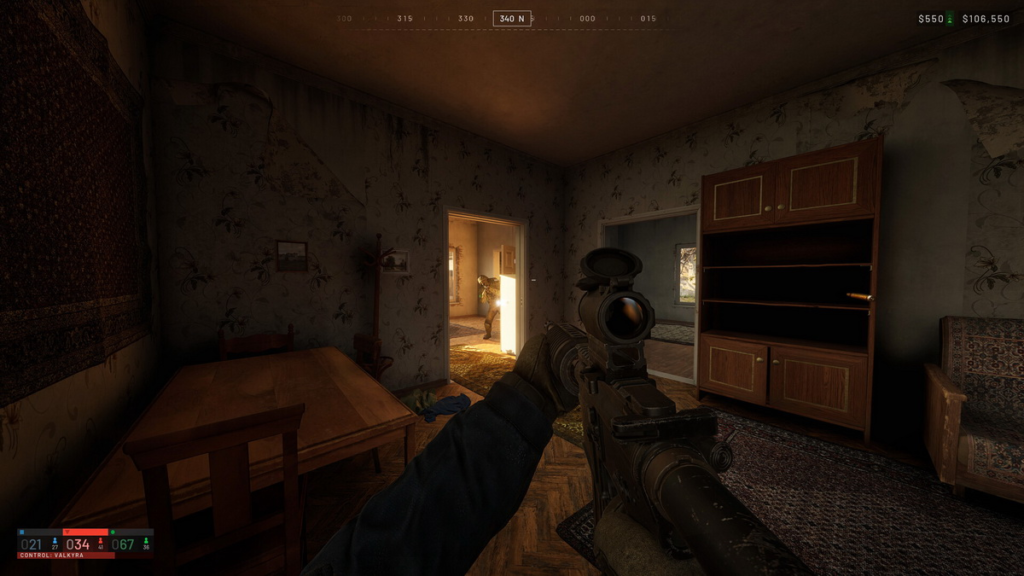
Wardogs gives players a lot of freedom. You can choose how you want to fight. Some players may prefer to fight alone. Others may stay close to their squad. Playing with a team often makes objectives easier to capture. It can also help you survive enemy attacks.
For example, one player can use a sniper rifle from a safe position. Another player can move toward the Control Zone. Other teammates can use vehicles to support the attack.
This system creates many possible strategies. You can change your plan when the battlefield changes.
Vehicles and Destruction
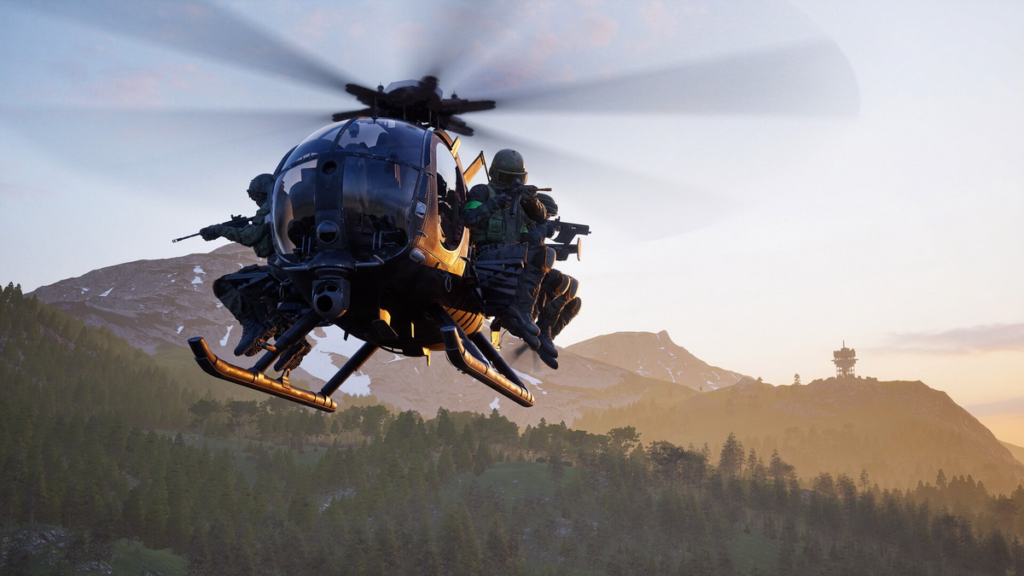
Vehicles are another major part of Wardogs. They can help you move across the large map. They can also provide strong firepower. Players can use helicopters to support their team. They can also use tanks to attack enemy positions.
Ground vehicles are useful for fast movement. They can help your squad reach an important area before the enemy. Building is another important feature. Players can create temporary bases and defensive positions.
At the same time, these structures can be destroyed. A safe position may not stay safe for long. Therefore, players need to watch the battlefield. You should be ready to change your position when needed.
Hot Zones Offer More Rewards
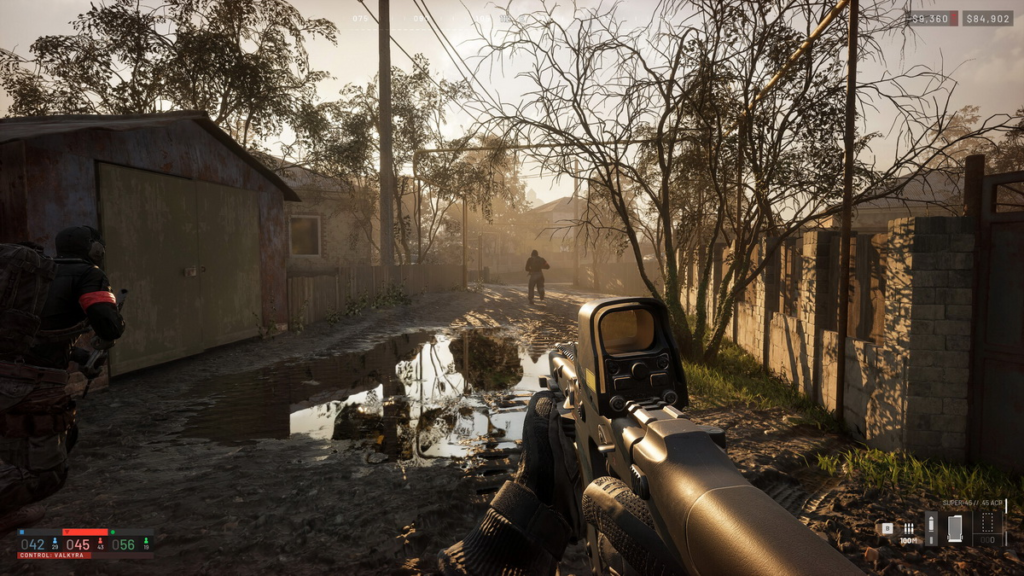
Wardogs also features Hot Zones. These areas offer bigger rewards. However, they are also more dangerous. Many players may want the same rewards.
This creates a simple risk-and-reward system. You can stay away from Hot Zones and play more safely. Or, you can enter them and try to earn more money.
A well-prepared squad can control a Hot Zone. On the other hand, an unprepared team can lose the fight very quickly.
This feature adds more variety to each match.
How to Download Wardogs
The process is simple if you want to download Wardogs on PC.
First, open your preferred PC game store. Then, log in to your account.
Next, use the search bar and type “Wardogs.” Press Enter to search for the game.
After that, open the official Wardogs store page. Look for the download or install button.
Click the button to start the installation. The launcher will download the game files to your PC.
Once the download is complete, you can launch the game. The Play button should then be available.
Before you start, check your PC again. Make sure you have enough storage and meet the minimum system requirements.
A stable Internet connection is also recommended. It can help reduce lag during large battles.
Tips for New Wardogs Players
New players should avoid spending all their money at once. Keep some cash for later fights.
Next, pay attention to the Control Zone. Capturing objectives can be more important than getting kills. Team communication is also useful. Voice chat can help your squad plan attacks and defend important areas. You should also learn how vehicles work. A tank or helicopter can change a fight when used at the right time.
Finally, try different roles. You can play as a sniper, support player, driver, or front-line fighter.
There is no single correct way to play Wardogs. Find a role that fits your style and help your team.
Final Thoughts
Wardogs brings a different experience to the FPS genre. It supports 100-player battles and large open maps. The game also combines vehicles, building, destruction, and an economy system. These features create more ways to play each match.
Most importantly, Wardogs gives players freedom. You can capture objectives, hunt enemies, support teammates, or chase rewards in Hot Zones.
If you are tired of the usual Battle Royale formula, Wardogs could be a great alternative. Follow the steps above to download and play Wardogs on PC. Then, gather your squad and get ready for a massive battlefield.
Play more online games at: https://tenkly.com/games/
#Wardogs #PCGames



1 thought on “Wardogs Guide: How to Play the 100-Player FPS”