Kha Y Tran
 The Wuthering Waves map is a useful tool for every Rover. It helps players explore the world of Solaris-3. The map shows many key locations. It can also help you find chests, Echoes, quests, materials, puzzles, and fast travel points.
The world of Wuthering Waves keeps getting bigger. As a result, exploring every area can take a lot of time. Using a map can make this task much easier. In addition, the Wuthering Waves interactive map gives players more details and useful filters.
What Is the Wuthering Waves Map?
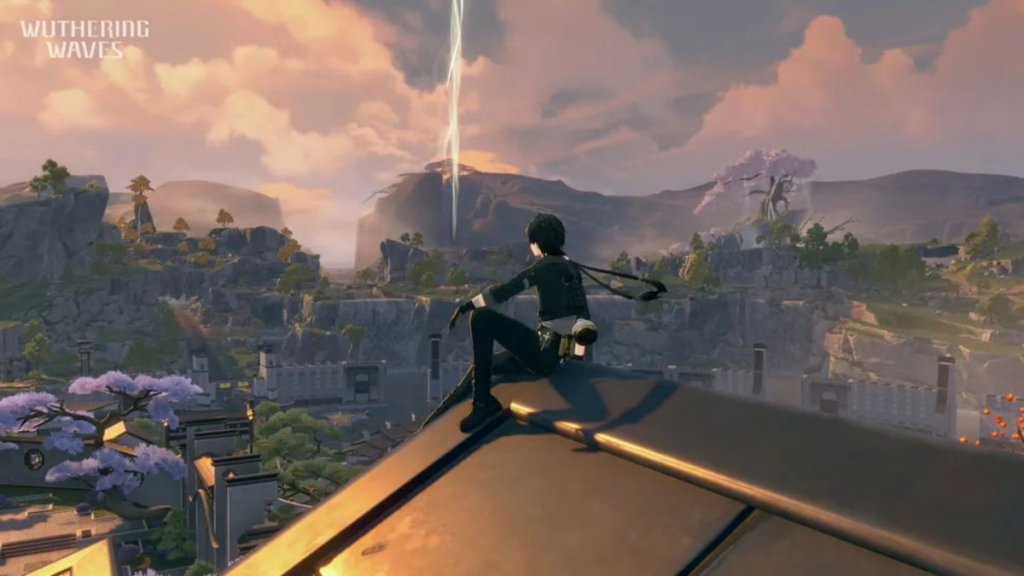
The Wuthering Waves map shows the areas that players can explore in Solaris-3. It includes cities, roads, caves, mountains, and other key places. You can also find Resonance Beacons and Resonance Nexuses on the map. As Rover explores the world, more areas become available. You can then use unlocked points for fast travel. Therefore, opening Resonance Beacons early is a good way to save time.
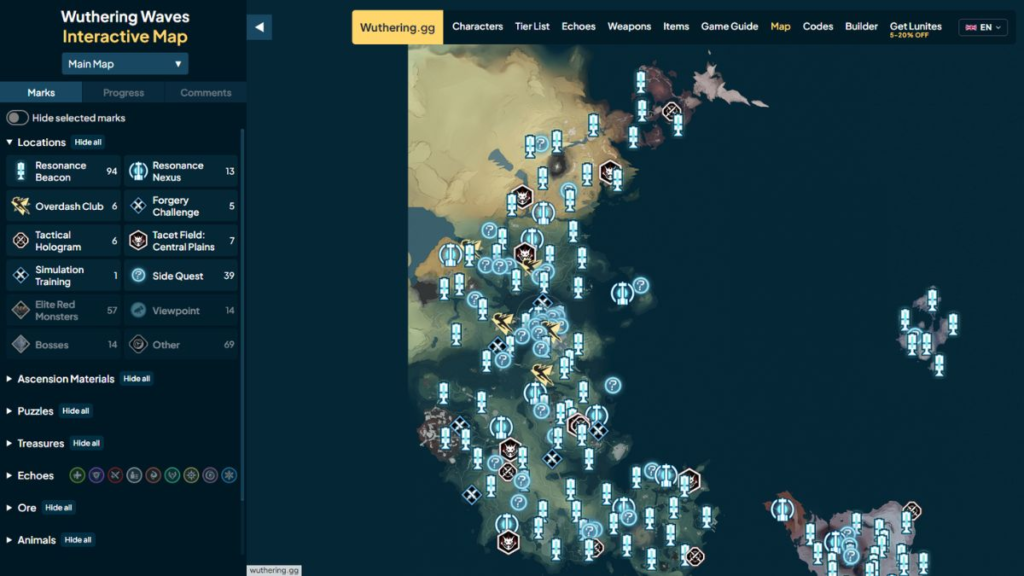
Players can also use the Wuthering Waves interactive map outside the game. This map shows many types of items and locations. For example, you can use it to find Supply Chests, Sonance Caskets, Echoes, materials, puzzles, and quests.
The in-game map is mainly for travel. On the other hand, the interactive map is better for collecting items. It is also useful when you want to clear an area as much as possible.
Main Areas on the Wuthering Waves Map
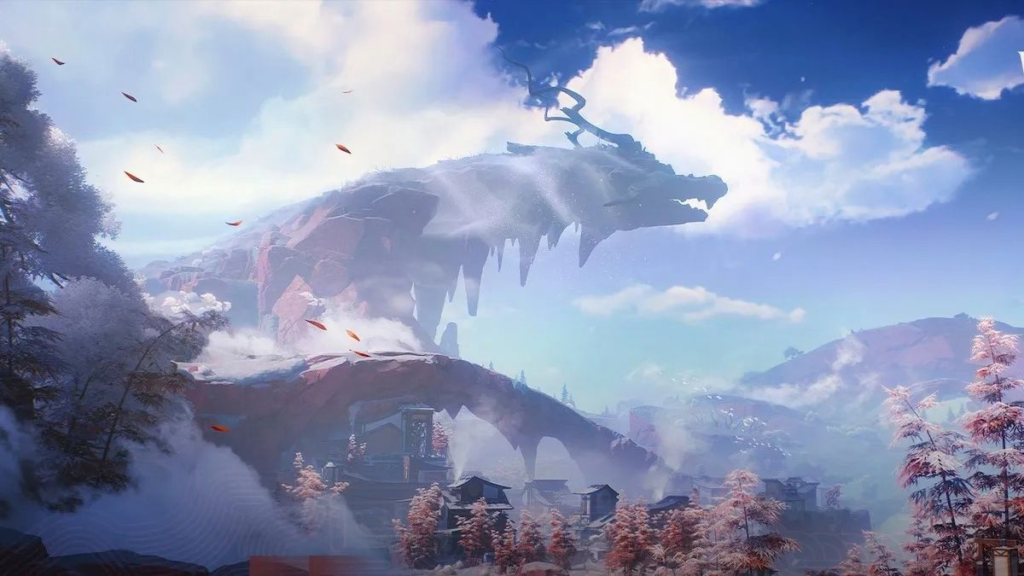
Solaris-3 has many areas to explore. Each region has its own terrain and challenges. Because of this, the best way to explore can change from one area to another.
Huanglong
Huanglong is one of the first large areas in the game. Jinzhou is an important city in this region. From here, players can reach many other locations. These include Central Plains, Gorges of Spirits, Port City of Guixu, Tiger’s Maw, Dim Forest, Whining Aix’s Mire, and Desorock Highland.
Huanglong has many types of terrain. You can find plains, forests, swamps, cliffs, and mines. Therefore, a map marker may not always show the exact spot.
For example, a chest may be inside a cave. It may also be on a roof or a high cliff. So, check the area above and below the marker when needed.
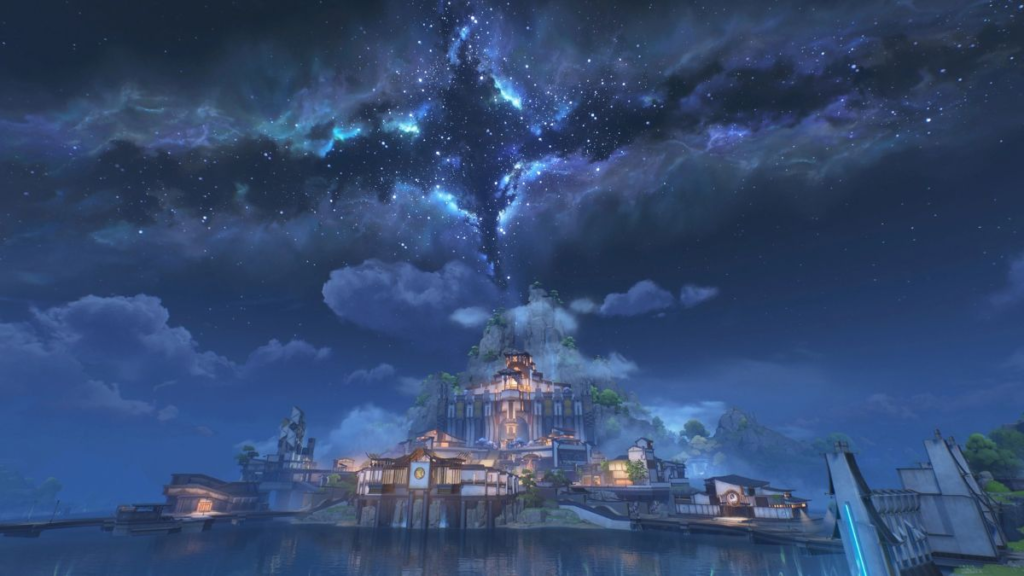
Mt. Firmament
Mt. Firmament is another important area. It has high mountains and steep paths. Some items are also hidden by the terrain. The large height changes can make exploration harder. For this reason, do not look at the map marker alone. Check nearby paths, caves, and climbing spots as well.
Mt. Firmament also has special local materials. If you need these materials for a Resonator, the interactive map can help. You can find several material spots in one route. This makes farming faster and easier.
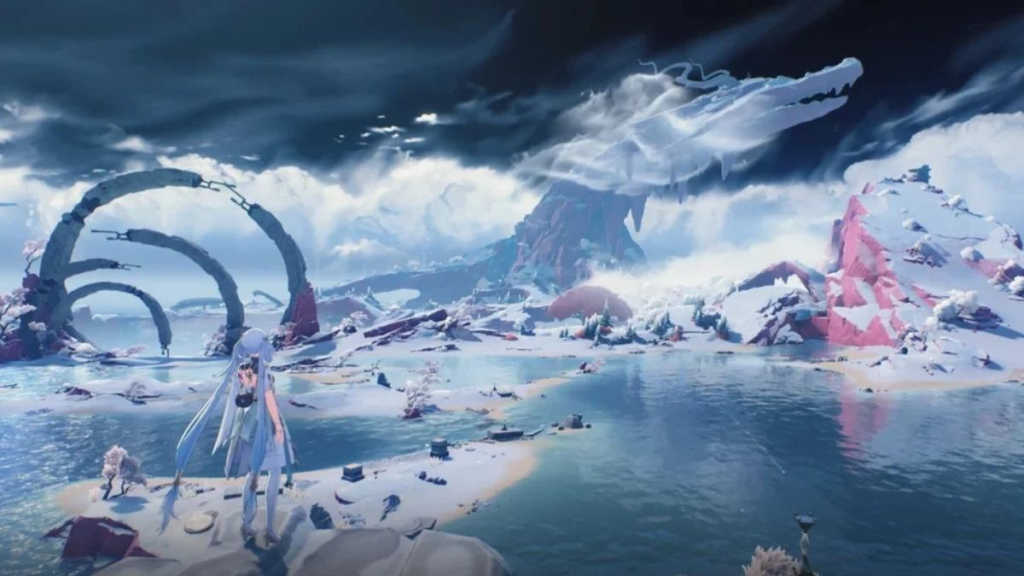
Black Shores and Tethys’ Deep
Black Shores has a very different look. The area focuses more on technology and research. It also has many story-related locations. Tethys’ Deep is more complex. It has closed areas and different levels. Therefore, an item may look close to you on the map. However, it could be above or below your current position.
If this happens, check the notes on the Wuthering Waves interactive map. Some markers also have images. These images can help you find the item faster.
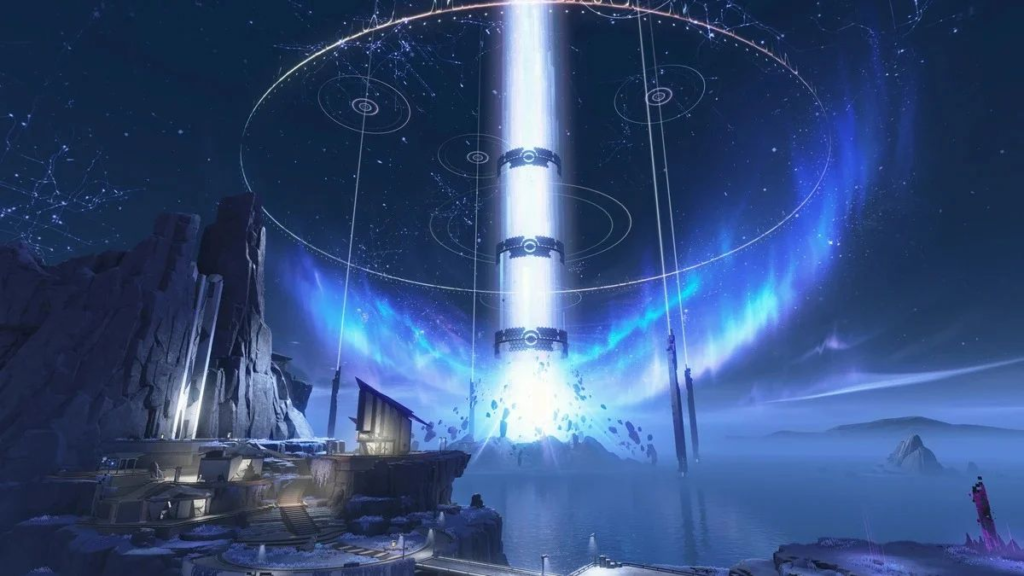
Rinascita
Rinascita adds a large amount of new content to the game. It has a unique style and many new locations. The region contains Supply Chests, Treasure Spots, puzzles, challenges, and other items. Because there is so much content, exploring one small area at a time can help.
First, unlock nearby fast travel points. Then, complete quests in the same area. After that, collect the chests and other items nearby.
This simple order can help you avoid going back to the same place many times.
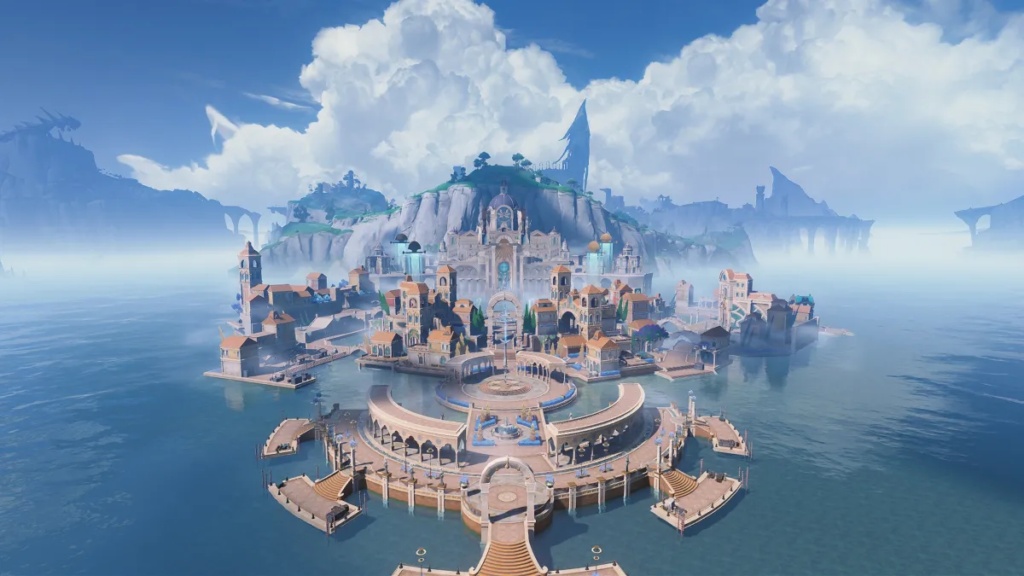
Septimont and Other Rinascita Areas
Septimont expands the Rinascita region even further. It adds new places, activities, and challenges. It also connects with the story of the region. Some interactive maps divide other areas into separate sections. These can include Fabricatorium of the Deep, Sanguis Plateaus, and Chronorift Metropolis.
Map names can be different between websites. So, check the name of the area in the game first. Then, choose the matching map section.
Lahai-Roi
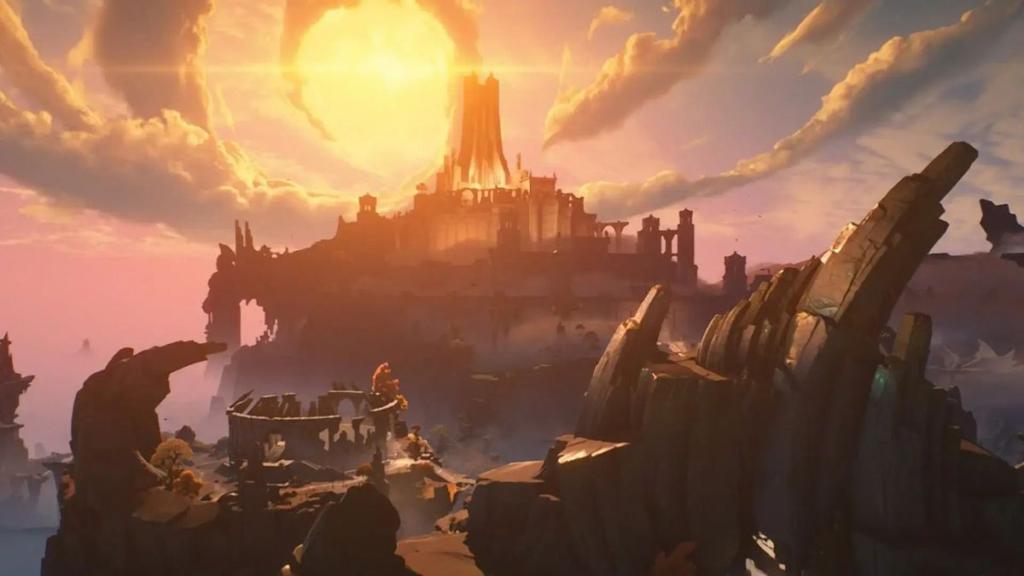
Lahai-Roi adds more areas to Solaris-3. It also features new environments and travel options. Roya Frostlands and Dimmr Plains are among the locations shown on the map. The area is large. Therefore, random travel can take a lot of time.
Instead, try to make a simple route. Collect several items that are close to each other. Then, move to the next area. This method can reduce travel time.
What Can You Find on the Wuthering Waves Interactive Map?
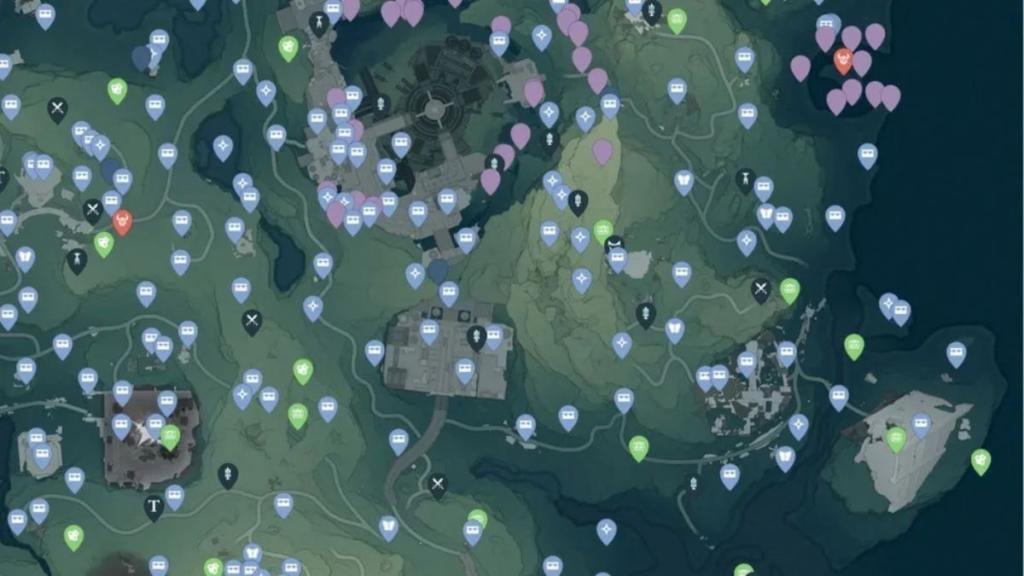
The Wuthering Waves interactive map has many useful filters. The exact list may differ between map websites. However, most maps include the following:
- Fast travel points: Find Resonance Beacons and Resonance Nexuses.
- Chests: Find Supply Chests and Sonance Caskets.
- Echoes: Find Echo and Tacet Discord locations.
- Character materials: Find items used to upgrade Resonators.
- Ores: Find materials used for crafting and upgrades.
- Puzzles: Find puzzles and time challenges.
- Quests: Find side quests and other activities.
- Plants and creatures: Find plants, animals, and cooking items.
- Progress tracking: Mark items that you have already collected.
The filter system is very helpful. You do not need to show every marker at once. Instead, show only the items you need.
As a result, the map looks cleaner. It also becomes easier to follow.
How to Use the Wuthering Waves Interactive Map
Using the Wuthering Waves interactive map is easy. Follow these simple steps to get better results.
Step 1: Choose Your Area
First, check where Rover is in the game. Then, choose the same area on the map.
You may need to choose Huanglong, Rinascita, Black Shores, or Lahai-Roi. For caves and areas with several levels, check the correct map layer.
Step 2: Use the Filters
Next, hide markers that you do not need.
For example, show only character materials when you are farming. If you want chests, show only chest markers.
This keeps the map simple. It also helps you find your target faster.
Step 3: Plan Your Route
Start from the nearest Resonance Beacon or Resonance Nexus. Then, follow the markers that are close together.
A one-way route can work well. A small circle can also be useful. Both methods help reduce backtracking.
Step 4: Check the Area Around the Marker
Sometimes, you may reach the correct location but find nothing. Do not leave right away.
First, check nearby caves and buildings. Then, look above and below your position. The item may also be underground or on a higher level.
You can also check the image or note on the map marker. These details can show you where to look.
Step 5: Mark Items as Complete
After collecting an item, mark it as complete. This is a simple but useful habit.
It is especially helpful in areas with many chests and materials. You will also avoid checking the same location again.
Tips to Explore the Wuthering Waves Map Faster
There are several simple ways to improve your exploration progress.
First, unlock fast travel points. Resonance Beacons and Resonance Nexuses make travel much easier.
Next, complete important quests. Some areas may not be open at the start. Certain paths and features may also need a quest before you can use them.
It is also better to explore small sections. Finish one area before moving to another. This method makes your progress easier to track.
In addition, use the Sensor when exploring. It can help you find objects and other things that you can interact with.
Finally, use a team that can move around easily. A strong team can also defeat enemies on the way. This helps you save time during long exploration trips.
Conclusion
The Wuthering Waves map is an important tool for exploring Solaris-3. It helps players find key locations and plan their routes.
The Wuthering Waves interactive map offers even more help. It can show chests, Echoes, materials, quests, puzzles, and other useful locations.
By using filters and fast travel points, you can explore each area with less effort. You can also mark completed items to avoid checking the same place twice.
However, do not rely on the map for every step. Use it as a guide while exploring the world yourself. This way, you can save time and still enjoy the surprises of Wuthering Waves.
Play more online games at: https://tenkly.com/games/
#WutheringWaves #GamePC #GameMobile