Kha Y Tran
 Avatar Legends: The Fighting Game is a fast-paced 2D fighting game based on the popular Avatar universe. It lets players control famous heroes like Aang, Korra, Zuko, Katara, and Toph. Each character has unique elemental skills. As a result, every match feels exciting and different.
If you want to know how to download Avatar Legends: The Fighting Game, this guide has everything you need. First, you’ll learn which platforms support the game. Then, you’ll see how to install it on each system. Finally, you’ll find a few tips before you start playing. Whether you’re a longtime Avatar fan or a new player, this guide will help you get started.
Download game at: https://store.steampowered.com/app/2424420/Avatar_Legends_The_Fighting_Game/

What Platforms Is Avatar Legends: The Fighting Game Available On?
Avatar Legends: The Fighting Game is available across several modern gaming platforms. As a result, players have multiple options depending on their preferred device.
Currently, the game supports:
- Windows PC
- PlayStation 5
- Xbox Series X
- Xbox Series S
- Nintendo Switch
- Nintendo Switch 2 (through backward compatibility)
However, there is no official Android or iOS version at the moment. Therefore, you should avoid downloading APK or IPA files from unofficial websites. These versions are often fake and may contain malware, intrusive ads, or software designed to steal personal information. Instead, always download the game from trusted digital storefronts.
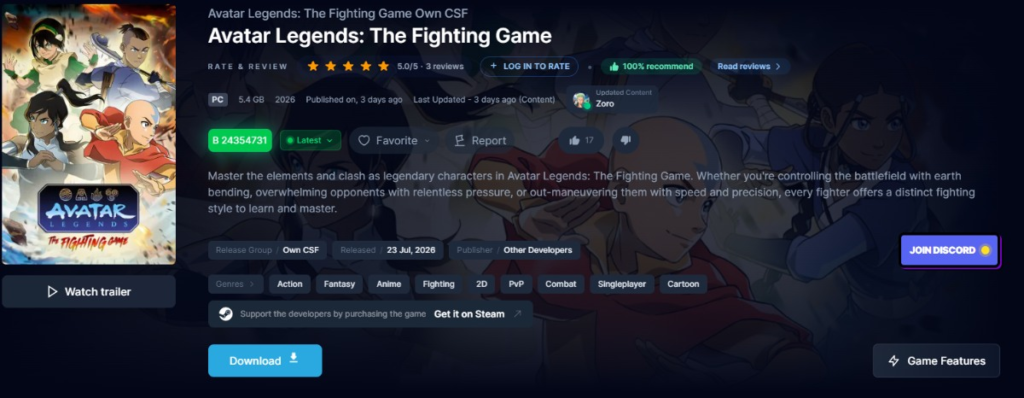
How to Download Avatar Legends: The Fighting Game on PC
If you plan to play on a Windows computer, you should purchase and install the game through an official digital game store.
Follow these steps:
- Install your preferred game launcher.
- Sign in or create an account.
- Search for Avatar Legends: The Fighting Game.
- Verify the game’s title and publisher.
- Choose the edition you want.
- Complete your purchase.
- Download and install the game.
- Launch it from your game library.
Before installing, make sure your PC meets the minimum system requirements. For example, the game requires a 64-bit operating system and a graphics card that supports DirectX 11. Furthermore, Windows 10 or Windows 11 is recommended to ensure the best compatibility and performance.
Additionally, although the game supports keyboard controls, a controller generally provides a smoother and more comfortable fighting experience. Therefore, many players prefer using a gamepad whenever possible.
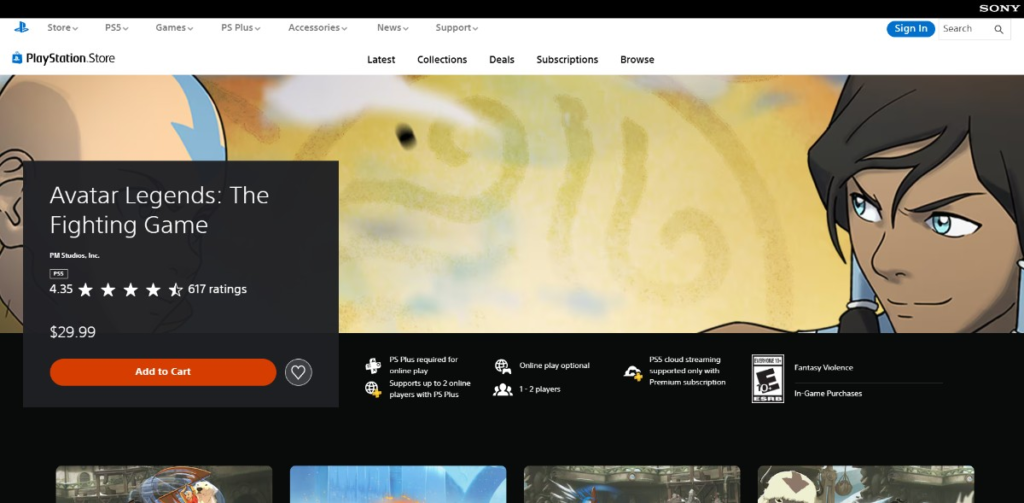
How to Download Avatar Legends: The Fighting Game on PlayStation 5
PlayStation 5 owners can purchase and install the game directly from the PlayStation Store.
Simply follow these steps:
- Turn on your PS5.
- Sign in to your PlayStation Network account.
- Open the PlayStation Store.
- Use the search function to find Avatar Legends: The Fighting Game.
- Select the correct edition.
- Complete your purchase.
- Press Download.
- Launch the game after installation finishes.
Moreover, if you want to compete against other players online, you may need an active PlayStation Plus subscription. On the other hand, the game’s single-player content can still be enjoyed without an online membership.
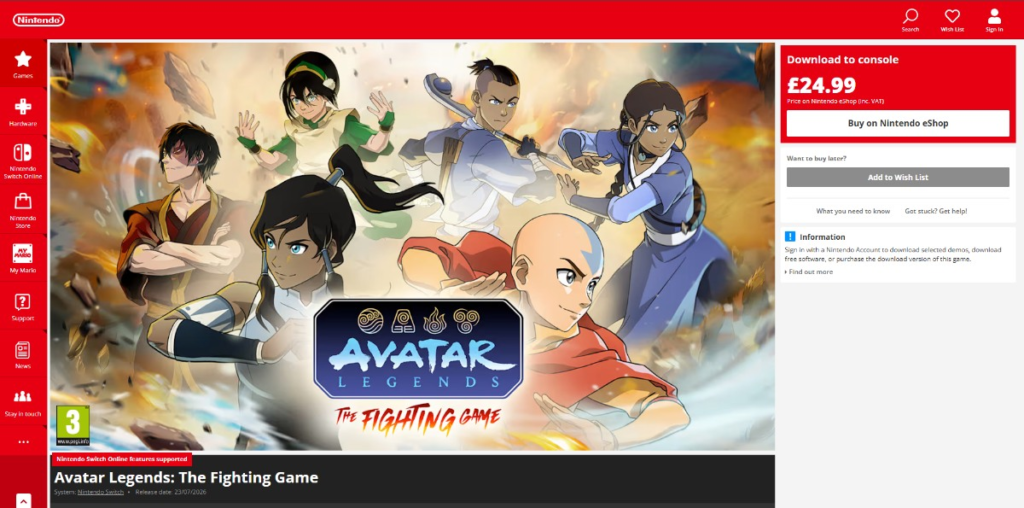
How to Download Avatar Legends: The Fighting Game on Nintendo Switch
Nintendo Switch players can download the game through the Nintendo eShop.
Here’s how:
- Connect your Nintendo Switch to the internet.
- Open the Nintendo eShop.
- Select your Nintendo account.
- Search for Avatar Legends: The Fighting Game.
- Purchase the game.
- Start the download.
- Wait for the installation to finish.
- Launch the game from the Home screen.
The Nintendo Switch version requires approximately 8 GB of storage space. Therefore, you should check your available storage before downloading. If necessary, you can expand your storage with a microSD card.
In addition, the game supports handheld mode, tabletop mode, and TV mode. As a result, you can enjoy battles wherever you want. Furthermore, if you’d like to play online, you’ll need an active Nintendo Switch Online subscription.
How to Download Avatar Legends: The Fighting Game on Xbox Series X|S
Xbox players can purchase the game directly through the Microsoft Store.
Follow these simple steps:
- Open the Microsoft Store on your Xbox console.
- Search for Avatar Legends: The Fighting Game.
- Select the correct version.
- Review the price and regional availability.
- Purchase the game.
- Download and install it.
- Launch the game once installation is complete.
Additionally, keep in mind that pricing and release availability may vary depending on your region. Therefore, it’s always a good idea to check the information displayed in the Microsoft Store before completing your purchase.
How to Play Avatar Legends: The Fighting Game for Beginners
Downloading the game is easy. However, learning the combat system takes time. Fortunately, the game is beginner-friendly. As a result, new players can improve quickly with regular practice.
Before you play online, learn the basic mechanics. They will help you win more matches and avoid common mistakes.
Start with Training Mode
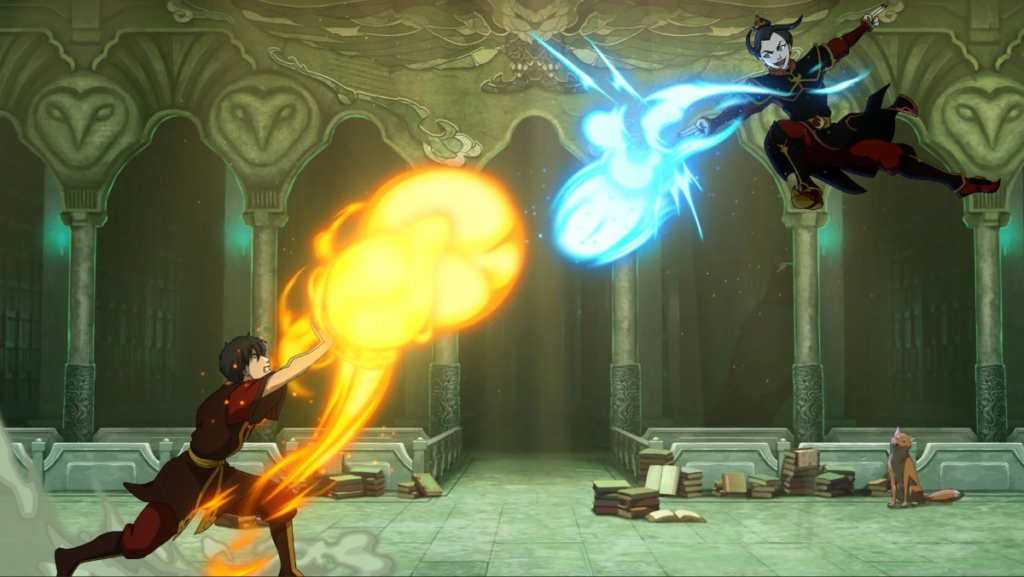
First, spend time in Training Mode. It is the best place to learn the game.
You can practice without pressure. At the same time, you can test every attack and movement.
Training Mode lets you learn:
- Basic movement
- Normal attacks
- Air attacks
- Special moves
- Blocking
- Dodging
- Basic combos
- Energy management
At first, use simple combos. Then, repeat them until they become natural. After that, try longer combos and advanced techniques. This way, you will improve much faster.
Choose One Main Character
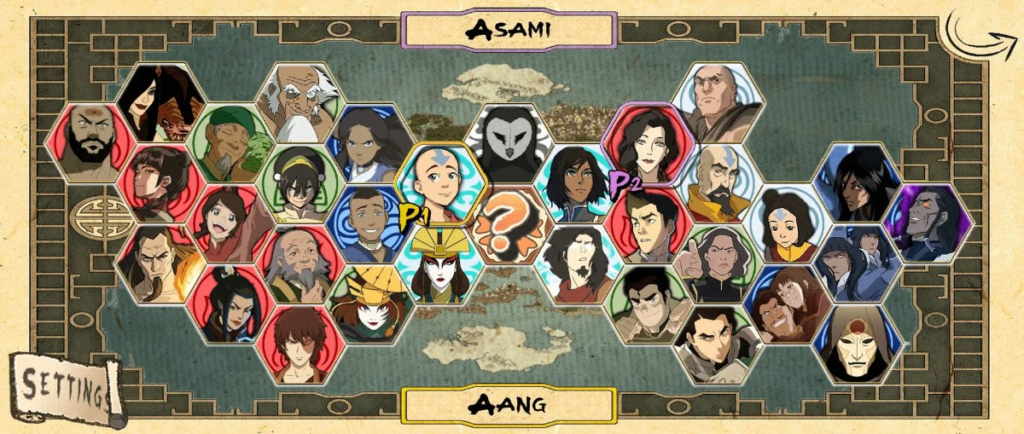
Next, choose one character to main.
Every fighter has a different style. For example, Aang is fast and mobile. Meanwhile, Zuko prefers close-range attacks. Other fighters rely on projectiles or defense.
Instead of changing characters every match, stay with one fighter. As a result, you will learn faster.
Focus on these areas:
- Movement speed
- Attack range
- Projectile skills
- Anti-air attacks
- Combo starters
- Combo finishers
- Strengths and weaknesses
Once you know your character well, every fight becomes easier. In addition, you will react faster and make better decisions.
Learn the Flow System
After that, practice the Flow System.
Flow lets your character move faster. It also helps you attack or escape. Because of this, movement becomes a key part of every fight.
Use Flow to:
- Close the distance
- Dodge projectiles
- Escape the corner
- Change your position
- Start a combo
However, do not use Flow too often. Otherwise, your opponent can predict your movement. Instead, change your timing and direction.
Manage Your Energy Points
Next, watch your Energy Points.
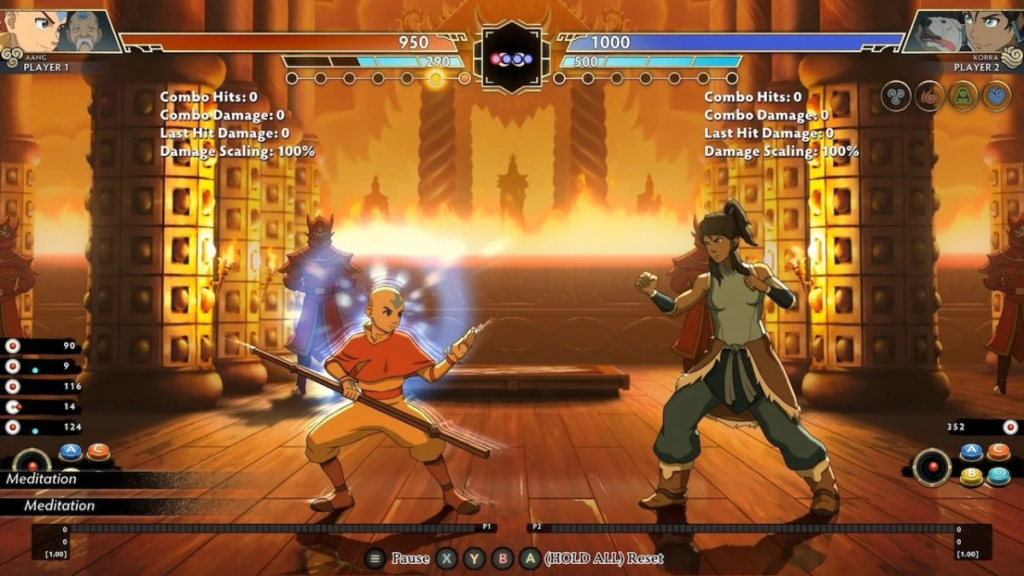
Energy builds during battle. Then, you can spend it on stronger attacks or Super Arts.
However, do not use all your Energy right away. Instead, save it for an important moment.
Energy can help you:
- Extend combos
- Finish an opponent
- Escape pressure
- Counterattack
Therefore, smart Energy management can decide close matches. In many cases, good timing is more important than using every attack.
Use Assist Characters
Besides your main fighter, you can also pick an Assist Character.
Assist Characters appear for a short time. Then, they help you attack or defend.
Depending on your choice, they can:
- Extend combos
- Stop enemy attacks
- Protect your fighter
- Control space
- Create openings
Because every Assist Character is different, test several combinations. Eventually, you will find one that fits your playstyle.
Try Every Game Mode
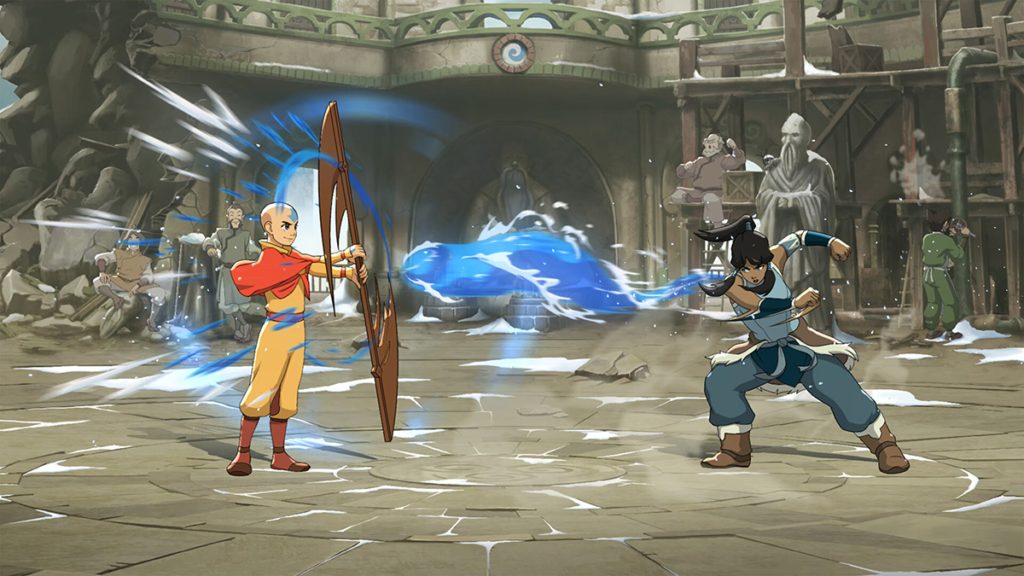
Avatar Legends offers several game modes. Each one teaches different skills.
Story Mode
First, play Story Mode. It introduces the characters and the game’s world. At the same time, it teaches the basic combat system.
Arcade Mode
Next, try Arcade Mode. You will fight stronger AI opponents. As a result, your reactions and defense will improve.
Training Mode
Meanwhile, return to Training Mode often. It is the best place to test new fighters, combos, and strategies.
Versus Mode
Finally, play Versus Mode. You can fight friends or challenge players online. By then, you should understand the game’s basic mechanics.
Tips to Improve Faster
Learning a fighting game takes time. However, these tips will help you improve faster.
- First, avoid pressing attack buttons repeatedly.
- Next, watch your position on the screen.
- Then, learn short combos before difficult ones.
- Also, focus on defense as much as offense.
- Meanwhile, practice in Training Mode every day.
- In addition, learn your character’s strengths and weaknesses.
- After that, use Flow, Energy Points, and Assist Characters together.
- Finally, use a stable internet connection for online matches.
Most importantly, stay patient. Every match teaches you something new. As a result, your skills will improve over time.
Final Thoughts
Avatar Legends: The Fighting Game is a fun 2D fighting game. It is a great choice for Avatar fans. It is also a good option for players who enjoy competitive combat.
The game offers colorful visuals and famous characters. In addition, its combat system is easy to learn but hard to master. The Flow System, Energy Points, and Assist Characters make every match more exciting.
To get started, download the game from an official store. Then, spend time in Training Mode. Next, choose one main character and practice the basics. Finally, challenge other players online when you feel ready.
Most importantly, keep practicing. Every battle helps you improve. Over time, you will build better skills, stronger combos, and smarter strategies.
Play more game at: https://tenkly.com/games/
#AvatarLegends #PCgames #NintendoGame